40
GB
• The audio signal does not appear on the
TV screen while the TV input is selected. In
this case, you can check the audio signal
in the front panel display.
Adjusting the Dialog
Volume While the DTS:X
Content is Played Back
By adjusting the dialog volume, you can
easily listen to dialog since it stands out
from the ambient noise. This function
works while playing content that is
compatible with the DTS:X dialog
control function.
The setting method differs depending
on the input.
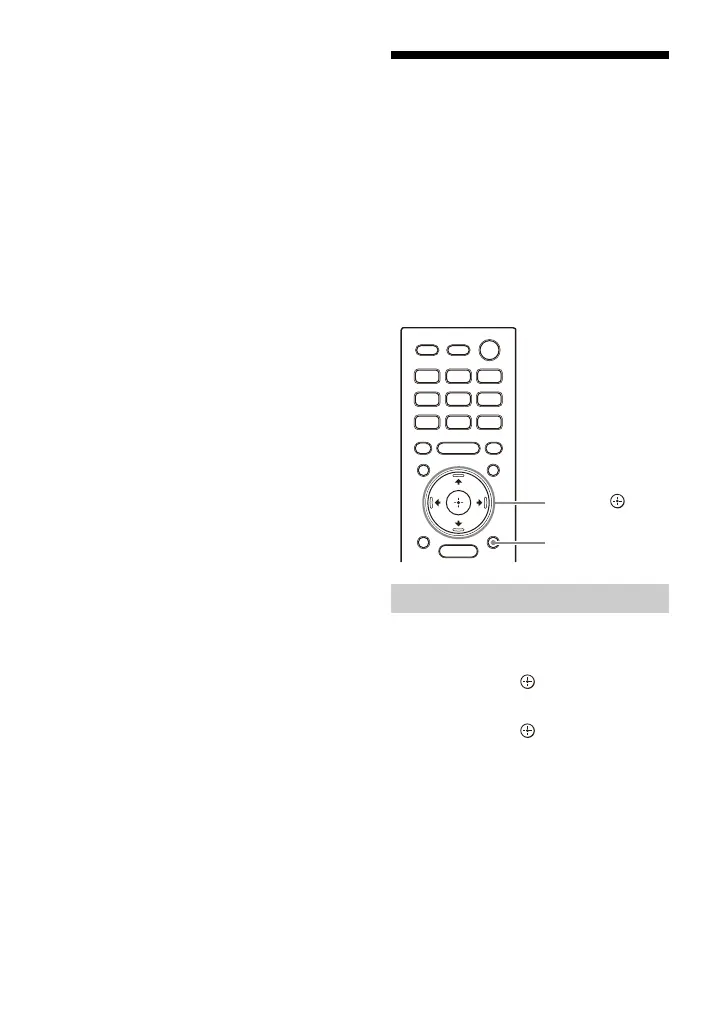
1 Press OPTIONS, display [DIALOG]
in the front panel display using /
, then press (enter).
2 Adjust the dialog volume using /
, then press (enter).
You can adjust from 0.0 dB to 6.0 dB
in 1.0 dB increments.
3 Press OPTIONS.
The options menu in the front panel
display turns off.
When Watching the TV



 To Next Page