2 Press
+-I"'/~I-+
repeatedly to select the
item and the setting.
3 Press AMP MENU to turn off the AMP
menu.
The following pages show details for each
setting.
Enjoying
multiplex
broadcast
sound
(DUAL
MONO)
You can enjoy multiplex broadcast sound when
the system receives an AC-3 multiplex broadcast
signal.
• To receive AC-3 signal, you need to connect a digital
satellite tuner to the system with
an
optical cable or
coaxial cable, and set the digital output mode
of
the
digital satellite tuner to AC-3.
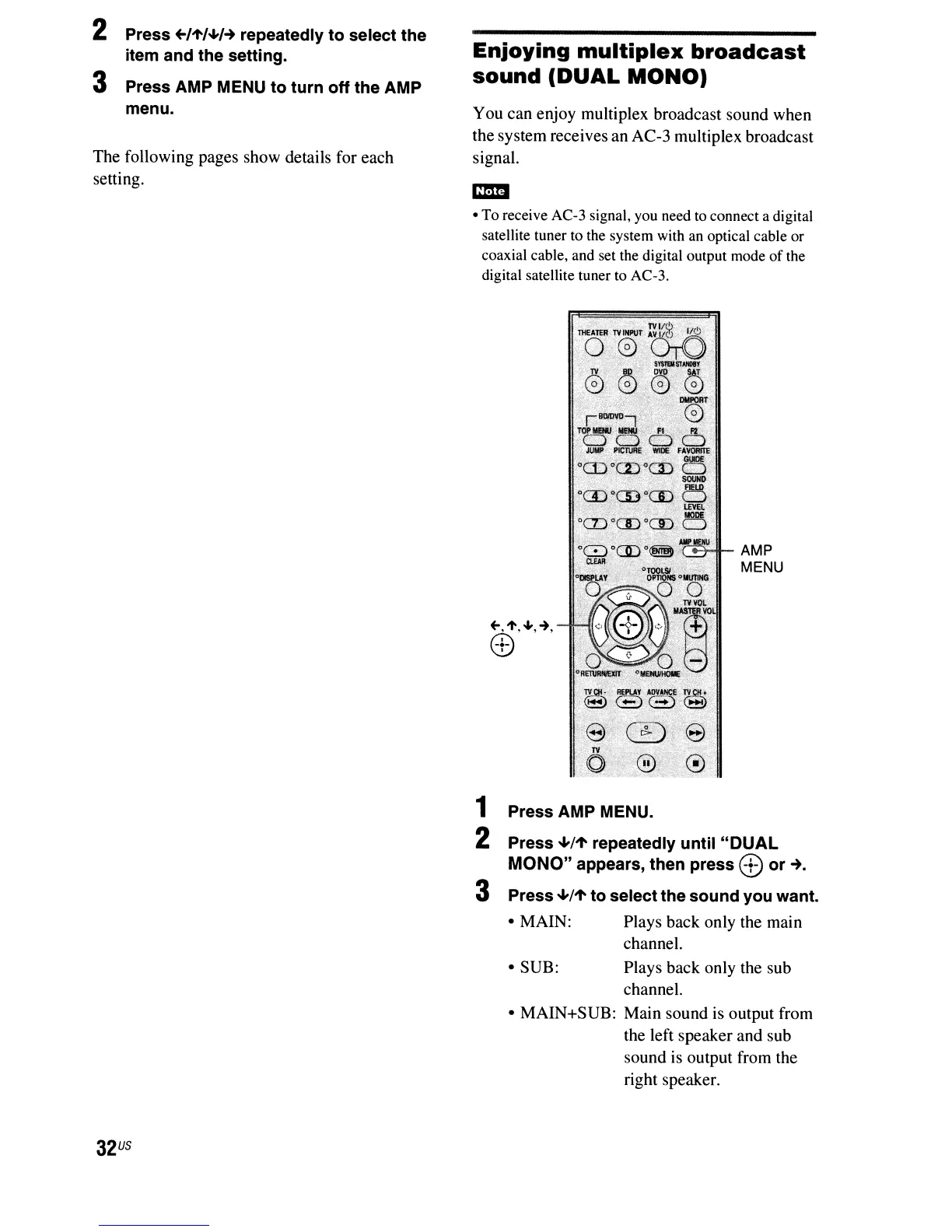
AMP
MENU
32
US
1 Press AMP MENU.
2 Press '-'/1' repeatedly until
"DUAL
MONO"
appears, then press
8:)
or
~.
3 Press '-'/1' to select the sound you want.
• MAIN: Plays back only the main
channel.
• SUB: Plays back only the sub
channel.
• MAIN+SUB: Main sound
is
output from
the left speaker and sub
sound is output from the
right speaker.



 To Next Page