13
GB
Listening to a TV and
Other Devices
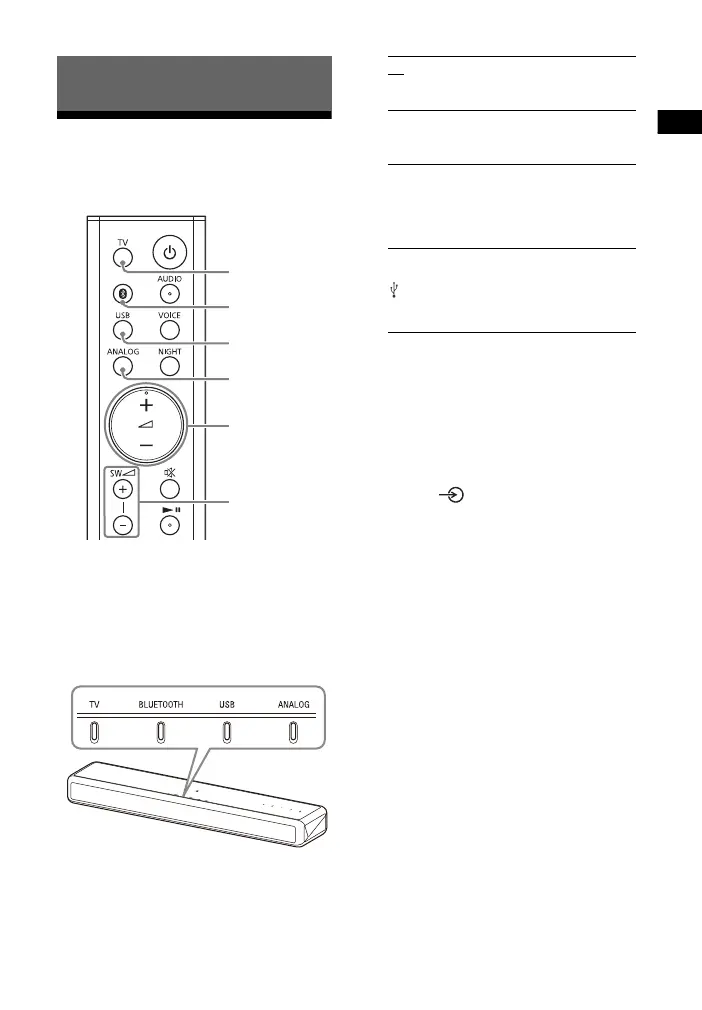
1 Press TV, ANALOG, BLUETOOTH,
or USB to select the input that the
desired device is connected.
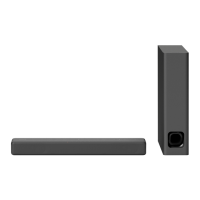
The indicator of the selected input
on the main unit lights up.
2 Adjust the volume.
• Adjust the volume by pressing
+/– on the remote control.
• Adjust the subwoofer volume by
pressing SW +/– on the remote
control (page 18).
Tip
If you press on the main unit, the
device changes cyclically as follows.
TV BLUETOOTH USB ANALOG
Listening to the Sound
TV
BLUETOOTH
USB
ANALOG
SW +/–
+/–
TV
TV that is connected to the TV IN
(OPTICAL) jack
ANALOG
TV that is connected to the ANALOG IN
jack
BLUETOOTH
BLUETOOTH device that supports A2DP
For details, see “Listening to Music/
Sound with the BLUETOOTH Function”
(page 19).
USB
USB device that is connected to the
(USB) port
For details, see “Listening to Music on a
USB Device” (page 14).



 To Next Page