24
GB
Using the Setup Display
You can set the following items with the menu.
Your settings are retained even if you disconnect the AC power cord (mains lead).
1 Press MENU to turn on the menu in the front panel display.
2 Press BACK///ENTER repeatedly to select the item and setting you want.
3 Press MENU to turn off the menu.
You can also turn off the menu by performing an operation other than a menu operation
such as pressing +/–, SW +/–, , etc.
The default settings are underlined. They may differ depending on the area.
Using the Various Functions
Note
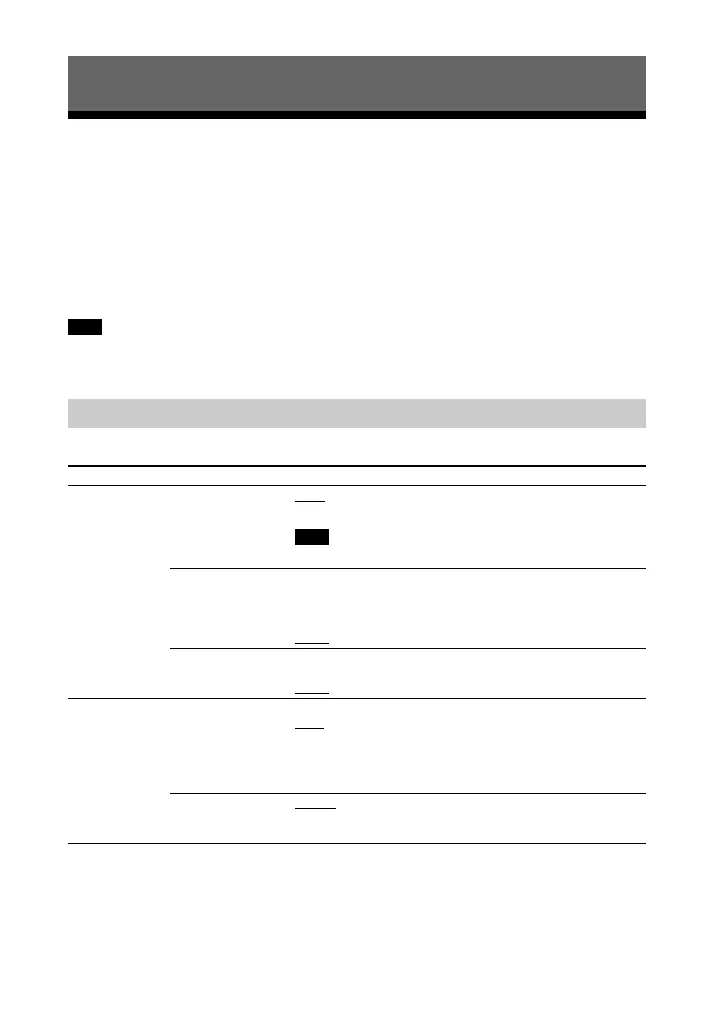
Menu List
Menu items Function
“LVL >”
(Level)
“SUR.L”/“SUR.R”
(Surround left/right
speaker level)
“0.0”
: Adjusts the sound level of the surround speakers
from –6.0 dB to +6.0 dB (0.5 dB interval).
Be sure to set “TTONE” to “ON” for easy adjustment.
“DRC”
(Dynamic range
control)
Useful for enjoying movies at low sound volume. DRC
applies to Dolby Digital sources.
“ON”: Compresses sound according to the information in
the content.
“OFF”
: Sound is not compressed.
“TTONE”
(Test tone)
“ON”: The test tone is output from each speaker in
sequence.
“OFF”
: Turns off the test tone.
“SPK >”
(Speaker)
“MULTI”
(Multi Speaker
Mode)
You can set the output of the speakers of the system.
“ON”
: The sound is output from all the speakers,
regardless of the number of audio channels for the
playback source.
“OFF”: The sound is output from the speakers that
correspond to the audio channel for the playback source.
“SUR.L”/“SUR.R”
(Surround left/right
speaker distance)
“3.0M”
: Adjusts the distance from the seating position to
the surround speakers from 1.0 meter to 6.0 meters (0.1
meter interval).



 To Next Page