Chapter 4 Adjusting and Setting Through Menus
Chapter 4 Adjusting and Setting Through Menus 55
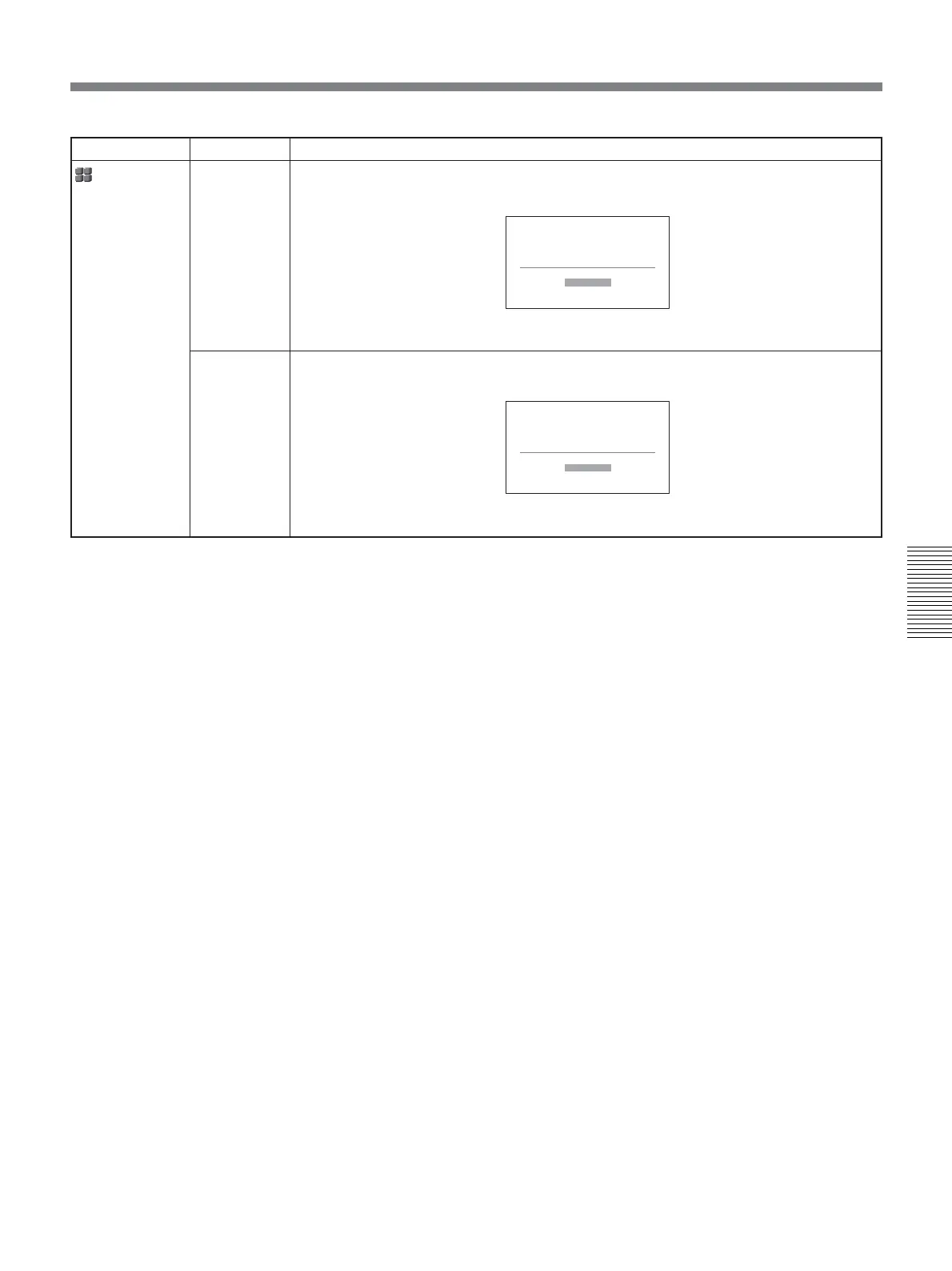
Switches to the 1080/60i (NTSC) or the 1080/50i (PAL).
1 Press J/j buttons to select [YES], then press EXEC button.
2 Press J/j buttons to select [YES] again, then press EXEC button.
Resets the menu to factory settings except CLOCK SET.
1 Press J/j buttons to select [YES], then press EXEC button.
2 Press J/j buttons to select [YES] again, then press EXEC button.
60i/50i SEL
(page 34)
INITIALIZE
Icon/Menu Submenu Setting
OTHERS
60i/50i SEL
Change to 50i?
Reboots
after change.
YES
NO
INITIALIZE
Reset all settings
except "CLOCK SET"
to defaults.
YES
NO



 To Next Page