34
GB
Recording a voice note
By placing the IC recorder close to one side
of your mouth, you can prevent breathing
on the built-in microphones, and record
with clear sound.
Recording an interview
Place the IC recorder so that the built-in
microphones face the interviewee.
Recording a music performance
By attaching a tripod (not supplied) or
opening the stand on the rear and placing
the IC recorder at a more upright angle on a
table, you can adjust the angle of the IC
recorder and the built-in microphones more
precisely.
When recording a chorus or piano
performance, for example, place the IC
recorder on a table approximately 2 to 3
meters (80 to 120 in.) from the
performer(s). Set up the IC recorder with
the display window facing up, and with the
built-in microphones pointing towards the
sound source.
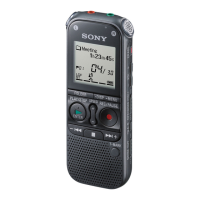
Built-in
microphones


 To Next Page