64
GB
Dividing a File
Dividing a file at the current
position
You can divide a file in the stop mode, so
that the file is divided into two parts and a
new file number is added to the newer part of
the divided file. By dividing a file, you can
easily find the point from which you want to
play back when you make a long recording
such as at a meeting. You can divide a file
until the total number of files in the folder
reaches the maximum number allowed.
1 Stop the file at the position where you
want to divide a file.
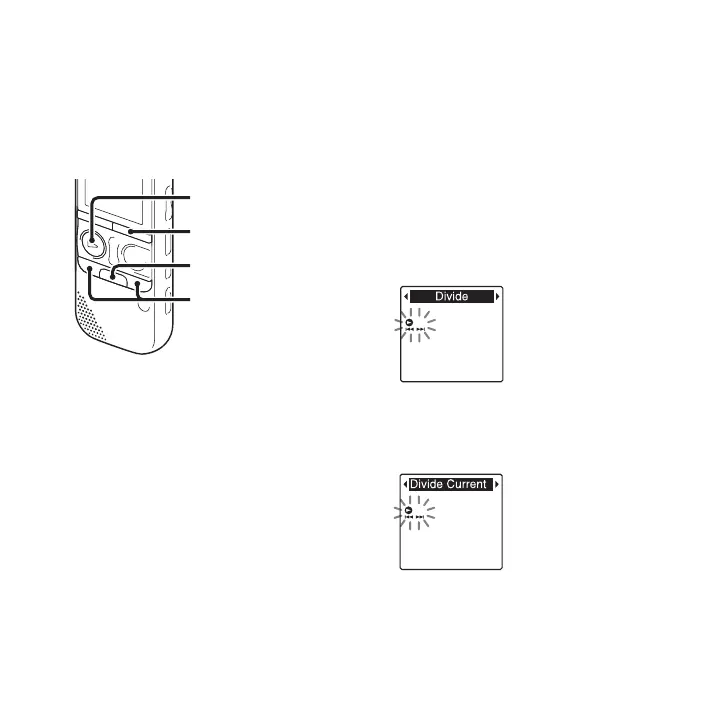
2 Press and hold •DISP
–
MENU in the stop
mode to enter the menu mode.
The menu mode window will be
displayed.
3 Press –. or >+ to select “Divide,”
and then press
N PLAY/
STOP•ENTER.
4 Press –. or >+ to select “Divide
Current Position,” and then press
N PLAY/STOP•ENTER.
“Divide?” will be displayed.
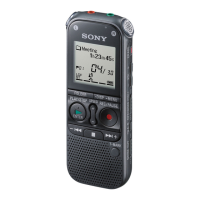
N PLAY/
STOP•ENTER
x
–., >+
•DISP
–
MENU


 To Next Page