46
GB
Operation during Recording
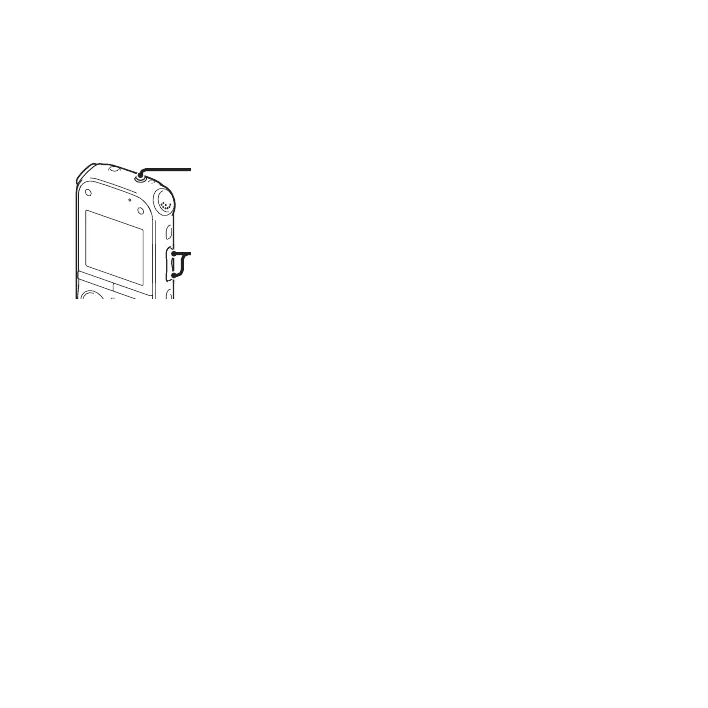
Monitoring the recording
If you connect a pair of headphones (not
supplied) to the i (headphone) jack, you
can monitor the recording. You can adjust
the monitoring volume by pressing
VOL –/+, but the recording level is fixed.
P Note
When the cord of the headphones touches the
IC recorder while you are monitoring the
recording, the IC recorder may record a
rustling noise. The rustling noise can be
reduced by holding the cord away from the IC
recorder.
i (headphone) jack
VOL –/+


 To Next Page