56
GB
Playback via Other Devices
Recording with other
equipment
You can record the sound of the IC recorder
with other equipment.
Before you start recording, we recommend
you make a trial recording first.
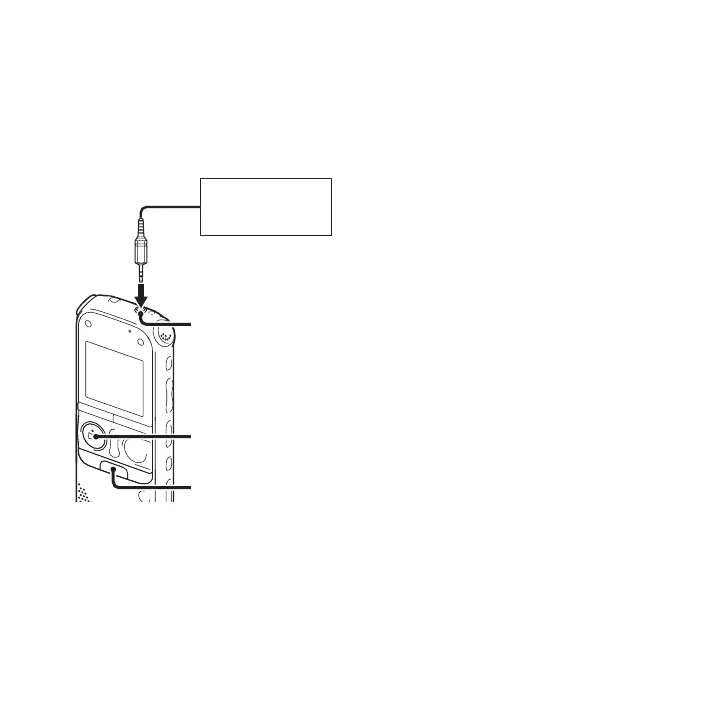
1 Connect the i (headphone) jack of the
IC recorder to the external input terminal
of other equipment using a
commercially-available audio
connecting cable.
2 Press N PLAY/STOP•ENTER to start
playback and at the same time set the
connected equipment to the recording
mode.
A file from the IC recorder will be
recorded on the equipment connected.
3 Press x (stop) on the IC recorder and the
connected equipment at the same time to
stop recording.
z Tip
If the volume of the recorded sound is not
strong enough, adjust the playback sound of
the IC recorder (page 25).
Tape recorder,
mini disc recorder,
etc.
x
N
PLAY/
STOP•ENTER
i (headphone) jack



 To Next Page