68
GB
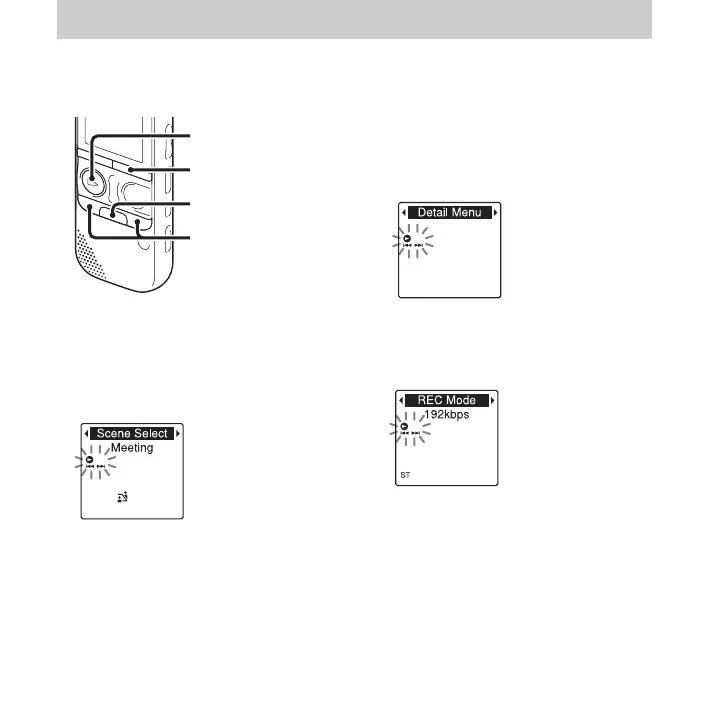
About the Menu Function
Making Settings for the Menu
1 Press and hold •DISP
–
MENU to enter
the menu mode.
The menu mode window will be
displayed.
2 Press –. or >+ to select the menu
item for which you want to make setting,
and then press
N PLAY/
STOP•ENTER.
When you select “Divide,” “Move &
Copy,” “Delete,” or “Detail Menu,”
press –
. or >+ to select their sub
menu item for which you want to make
setting, and then press
N PLAY/
STOP•ENTER.
3 Press –. or >+ to select the setting
you want to set, and then press
N PLAY/STOP•ENTER.
N PLAY/
STOP•ENTER
x
–., >+
•DISP
–
MENU



 To Next Page