76
GB
Detail
Menu
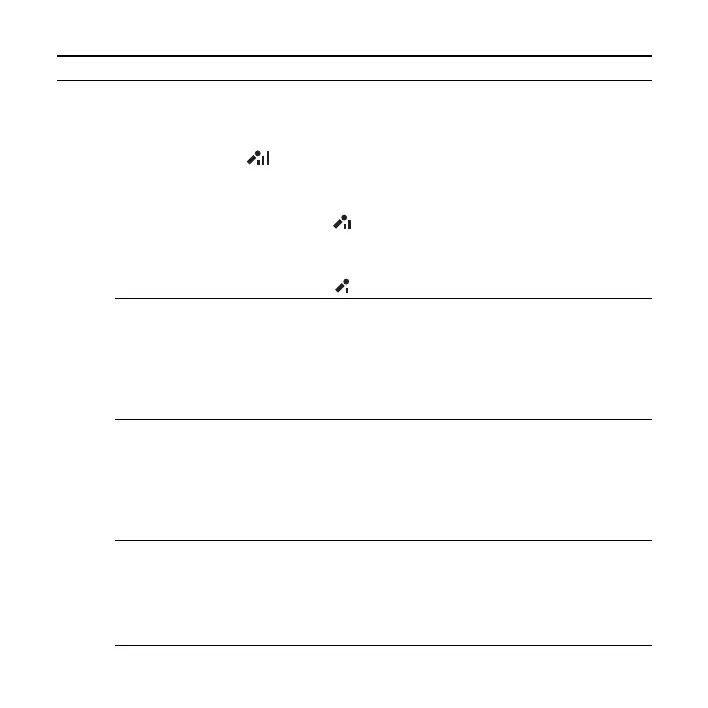
Mic Sensitivity
Sets the microphone sensitivity.
High:
To record a sound far away from the IC recorder or a low
sound, such as recording in a spacious room (displayed as
“ ” in the window).
Medium*:
To record the sound of a normal conversation or meeting,
such as recording in a meeting space or during interview
(displayed as “ ” in the window).
Low:
To record dictation with a microphone in front of your
mouth, a sound near the IC recorder, or a loud sound
(displayed as “ ” in the window).
–
LCF(Low Cut)
Sets the LCF (Low Cut Filter) function to cut a low
frequency to reduce the roaring noise from wind; therefore
you can record a file more clearly.
ON:
The LCF function is activated.
OFF*:
The LCF function is canceled.
–
Select Input
Selects the external input to be recorded that is connected to
the
m (microphone) jack.
MIC IN*:
Select when you record files using an external
microphone.
Audio IN:
Select when you record using other equipment.
43, 44
Continuous Play
Sets the continuous playback mode.
ON:
Files in one folder are played back continuously.
OFF*:
A file is played back and the IC recorder stops at the
beginning of the next file.
50
Menu items Settings (*: Initial setting) See page


 To Next Page