ICD-P630F GB 3-295-271-11 (1)
35
GB
Listening to the Radio
Listening to the Radio
Listening to an FM
Radio Station
FM
REC
(stop)
– /+
The display in the display window may
be dierent from the actual one in some
regions.
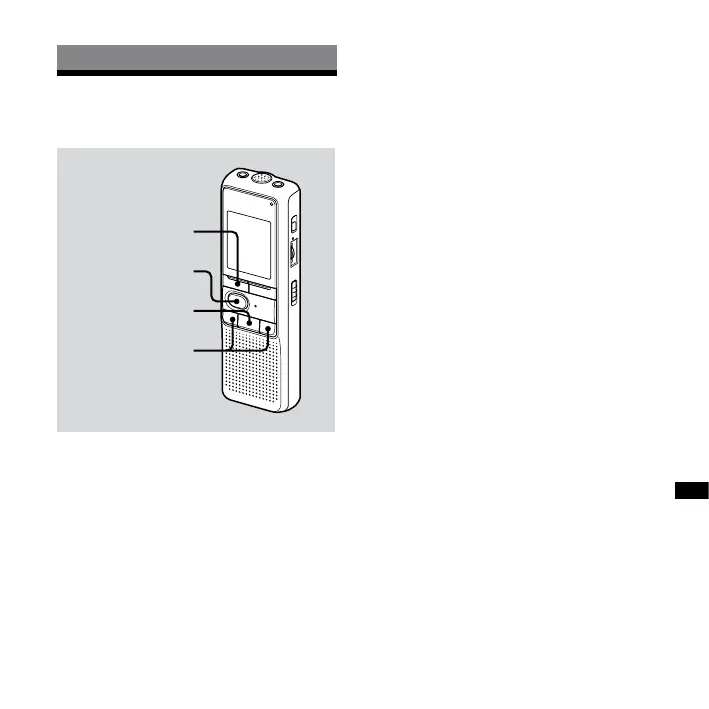
1 Press FM to enter FM radio mode.
2 Tune in a station.
Press – or + repeatedly to
tune in a station or press and hold
– or + until the frequency
digits begin to change on the display.
The IC recorder automatically scans
the radio frequencies and stops when
it nds a clear station.
If you cannot tune in a station, press
– or + repeatedly to change
the frequency step by step.
When a station you tune in is a
preset station, the preset number
is displayed, otherwise, “- -” appears
instead.
Note
The headphone cord is an FM antenna,
therefore, connect the headphone when
listening to the radio.



 To Next Page