ICD-P630F GB 3-295-271-11 (1)
37
GB
Listening to the Radio
1 Press FM to enter FM radio mode.
2 Tune in the station you want to
preset and store on the preset
number.
Press and hold PLAY/ENTER until
a preset number ashes on the display.
The station will be stored in memory
after 3 seconds.
Presetting FM
Radio Stations
Automatically
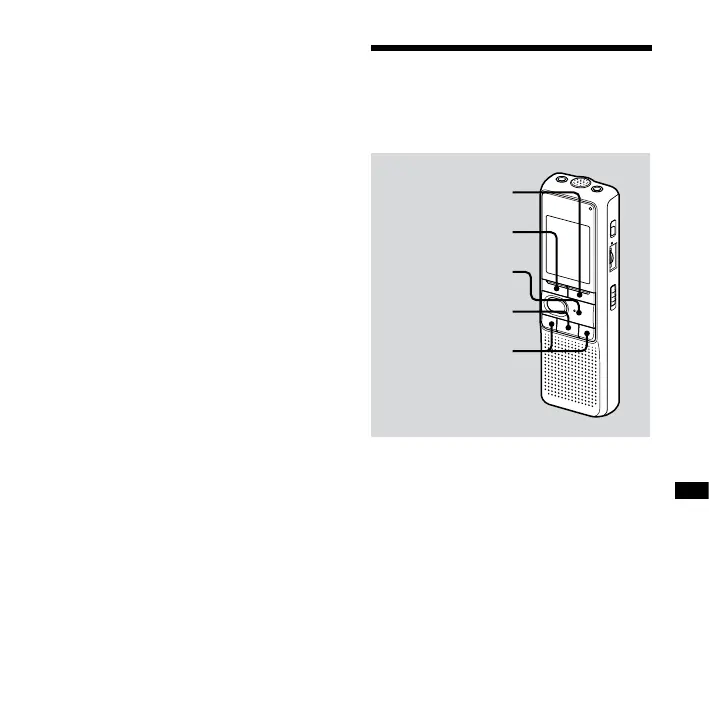
DISPLAY/MENU
FM
PLAY/ENTER
(stop)
– /+
The display in the display window may
be dierent from the actual one in some
regions.
You can preset up to 25 FM radio stations
automatically in the preset menu.



 To Next Page