ICD-P630F GB 3-295-271-11 (1)
36
GB
Switching the FM radio
output between speaker
and headphones
When headphones are connected during
FM reception or FM recording, you can
switch between the sound from the
speaker and from the headphones by
pressing FM for more than 1 second.
The sound will be switched between
speaker and headphones.
Recording FM broadcasts
1 Press FM to enter the FM mode.
2 Tune in the station you want to record.
3 Press REC to start recording.
4 Press (stop) to stop recording.
Presetting FM Radio
Stations
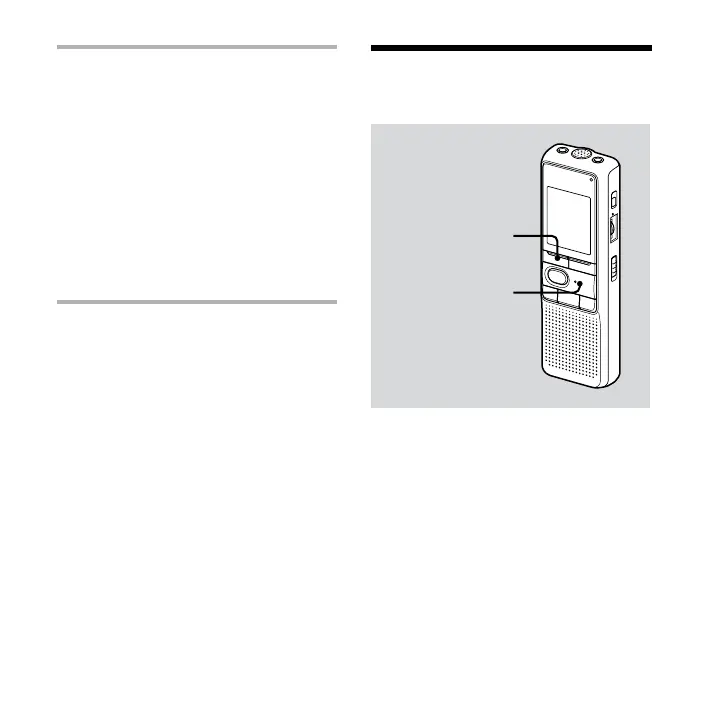
FM
PLAY/ENTER
The display in the display window may
be dierent from the actual one in some
regions.
You can preset up to 25 FM radio stations
in the IC recorder‘s memory.



 To Next Page