ICD-P630F GB 3-295-271-11 (1)
39
GB
Listening to the Radio
1 Press FM repeatedly until “[P]”
appears.
Tip
If you press FM repeatedly, the radio
switches between tuning manually (“P”
appears) and tuning by preset number (“[P]”
appears).
2 Tune in the station.
Press – or + repeatedly
until the preset number you want is
displayed.
When you press and hold – or
+ , the preset numbers change
rapidly.
Press (stop) to turn the FM radio o.
Erasing Preset FM
Radio Stations
FM
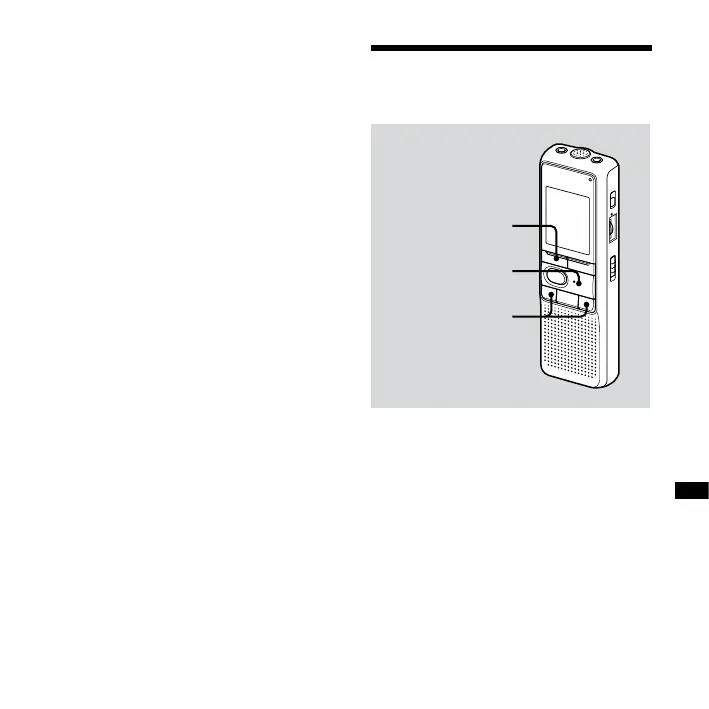
PLAY/ENTER
– /+
The display in the display window may
be dierent from the actual one in some
regions.



 To Next Page