Functions that can be selected using the MENU button
Functions list
GB
37
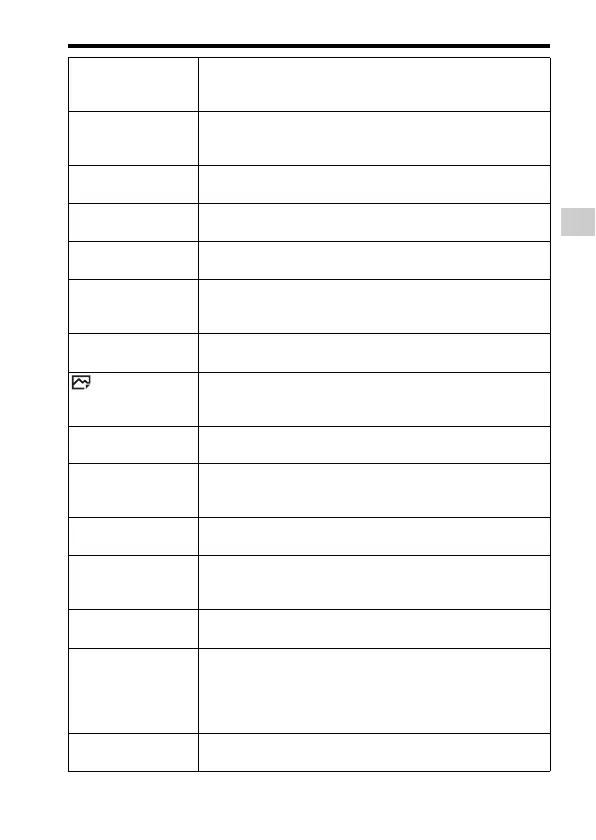
Bracket Settings Sets self-timer shooting in bracket mode, shooting order for
exposure bracketing, and white balance bracketing.
(Selftimer during Brkt/Bracket order)
Flash Mode Sets the flash settings.
(Flash Off/Autoflash/Fill-flash/Slow Sync./Rear Sync./
Wireless)
Flash Comp. Adjusts the intensity of flash output.
(-3.0EV to +3.0EV)
Red Eye Reduction Reduces the red-eye phenomenon when using flash.
(On/Off)
Focus Mode Selects the focus mode.
(Single-shot AF/Continuous AF/DMF/Manual Focus)
Focus Area Selects the area of focus.
(Wide/Zone/Center/Flexible Spot/Expand Flexible Spot/
Lock-on AF)
Focus Settings Allows you to focus using the front dial, rear dial or control
wheel.
AF Illuminator Sets the AF illuminator, which provides light for a dark scene
to aid focusing.
(Auto/Off)
Exposure Comp. Compensates for the brightness of the entire image.
(-5.0EV to +5.0EV)
Exposure step Selects the size of the increment step for shutter speed,
aperture, and exposure.
(0.5EV/0.3EV)
ISO Sets the ISO sensitivity.
(Multi Frame NR/ISO AUTO/ISO 50 to ISO 409600)
ISO AUTO Min. SS Sets the slowest shutter speed at which ISO sensitivity will
start to change in [ISO AUTO] mode.
(Faster/Fast/Standard/Slow/Slower/1/8000 - 30”)
Metering Mode Selects the method for measuring brightness.
(Multi/Center/Spot)
White Balance Adjusts the color tone of images.
(Auto/Daylight/Shade/Cloudy/Incandescent/Fluor.: Warm
White/Fluor.: Cool White/Fluor.: Day White/Fluor.:
Daylight/Flash/Underwater Auto/C.Temp./Filter/Custom 1-
3/Custom Setup)
DRO/Auto HDR Compensates automatically for brightness and contrast.
(Off/D-Range Opt./Auto HDR)


 To Next Page