Functions that can be selected using the MENU button
Functions list
GB
41
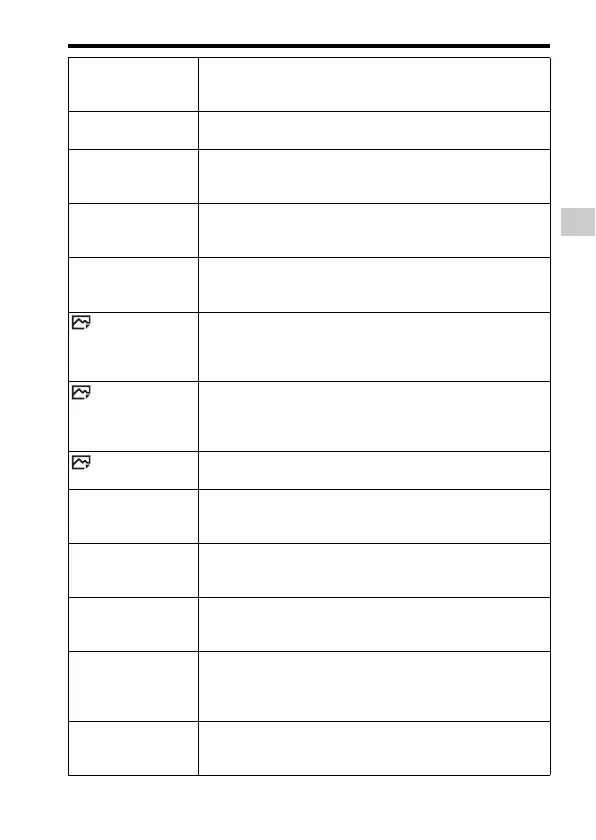
FINDER/MONITOR Sets the method for switching between the viewfinder and the
monitor.
(Auto/Viewfinder(Manual)/Monitor(Manual))
Release w/o Lens Sets whether shutter can open when the lens is not attached.
(Enable/Disable)
Release w/o Card Sets whether to release the shutter when a memory card is not
inserted.
(Enable/Disable)
Priority Set in AF-S Sets the timing of the shutter release when [Focus Mode] is
set to [Single-shot AF] or [DMF].
(AF/Release/Balanced Emphasis)
Priority Set in AF-C Sets the timing of the shutter release when [Focus Mode] is
set to [Continuous AF].
(AF/Release/Balanced Emphasis)
AF w/ shutter Sets whether to perform AF when the shutter button is half
pressed. This is useful when you want to adjust the focus and
exposure separately.
(On/Off)
AEL w/ shutter Sets whether to adjust the exposure by pressing the shutter
button halfway down. This is convenient when you want to
adjust the focus and exposure separately.
(Auto/On/Off)
Silent Shooting Shoots images without the shutter sound.
(On/Off)
e-Front Curtain Shut. Sets whether to use the electronic front curtain shutter
function.
(On/Off)
S. Auto Img. Extract. Sets whether to save all the images that were shot
continuously in [Superior Auto].
(Auto/Off)
Exp.comp.set Sets whether to reflect exposure compensation value to flash
compensation.
(Ambient&flash/Ambient only)
Reset EV Comp. Sets whether to retain the exposure value set without using
the exposure dial, or reset the exposure value to 0 when you
turn off the camera.
(Maintain/Reset)
Face Registration Registers or changes the person to be given priority in the
focus.
(New Registration/Order Exchanging/Delete/Delete All)


 To Next Page