Help Guide
Wireless Noise Canceling Gaming Headset/Wireless Gaming Headset
INZONE H9/INZONE H7
Model: YY2959/YY2960
Let’s start to use
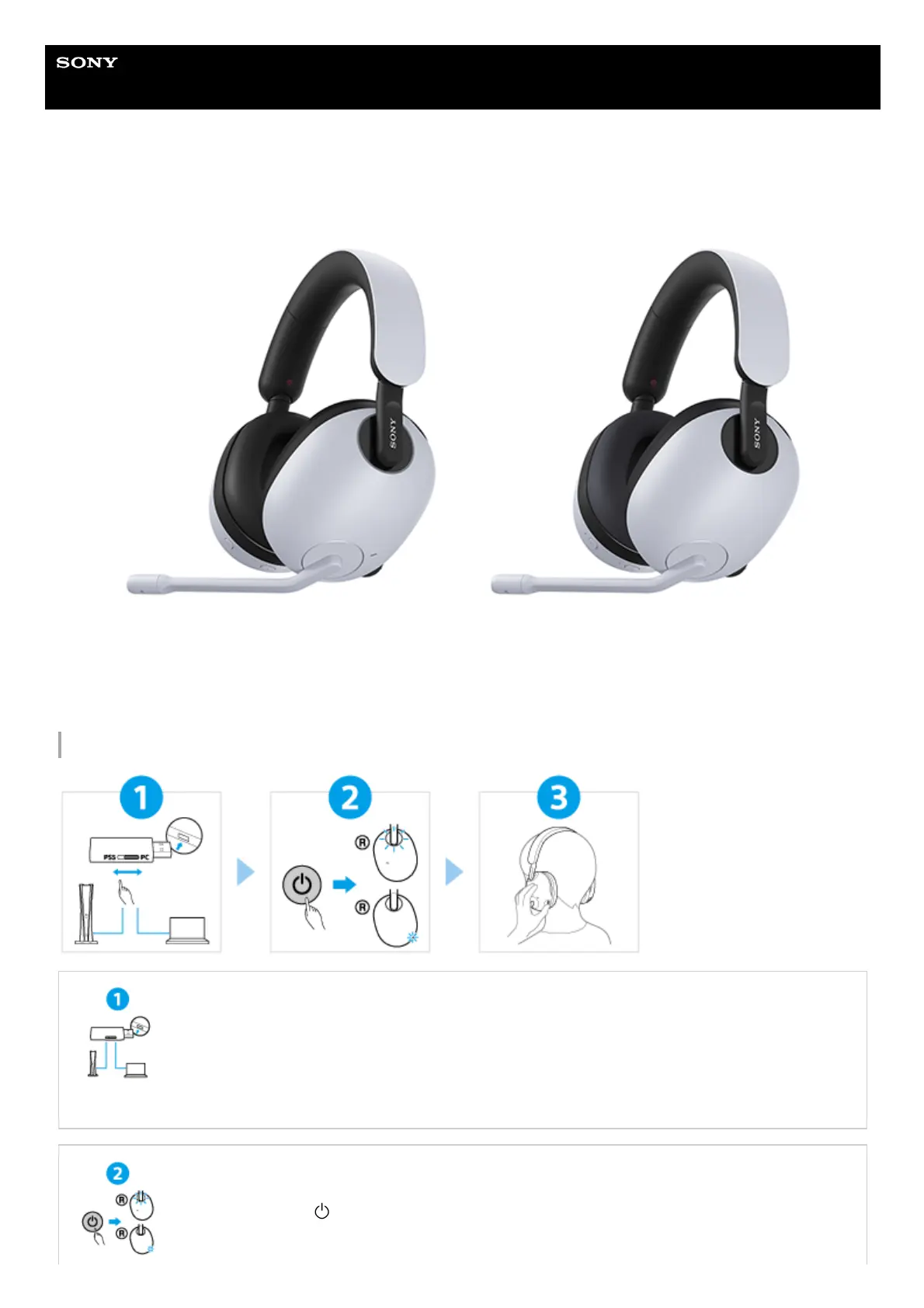
Connecting the USB transceiver properly
Set the slide switch of the USB transceiver correctly according to the connected device, and then
insert the USB transceiver into the USB port.
When connected to a computer: Set the slide switch to “PC”
When connected to a PS5™: Set the slide switch to “PS5”
Turning on the headset
Press and hold the
(power) button for about 2 seconds or more until the indicator (white) lights
up. The headset is turned on.



 To Next Page