Help Guide
Wireless Noise Canceling Gaming Headset/Wireless Gaming Headset
INZONE H9/INZONE H7
Connecting to a paired Android smartphone
Unlock the screen of the Android smartphone if it is locked.
1
Turn on the headset, then turn on the Bluetooth mode.
INZONE H9:
2
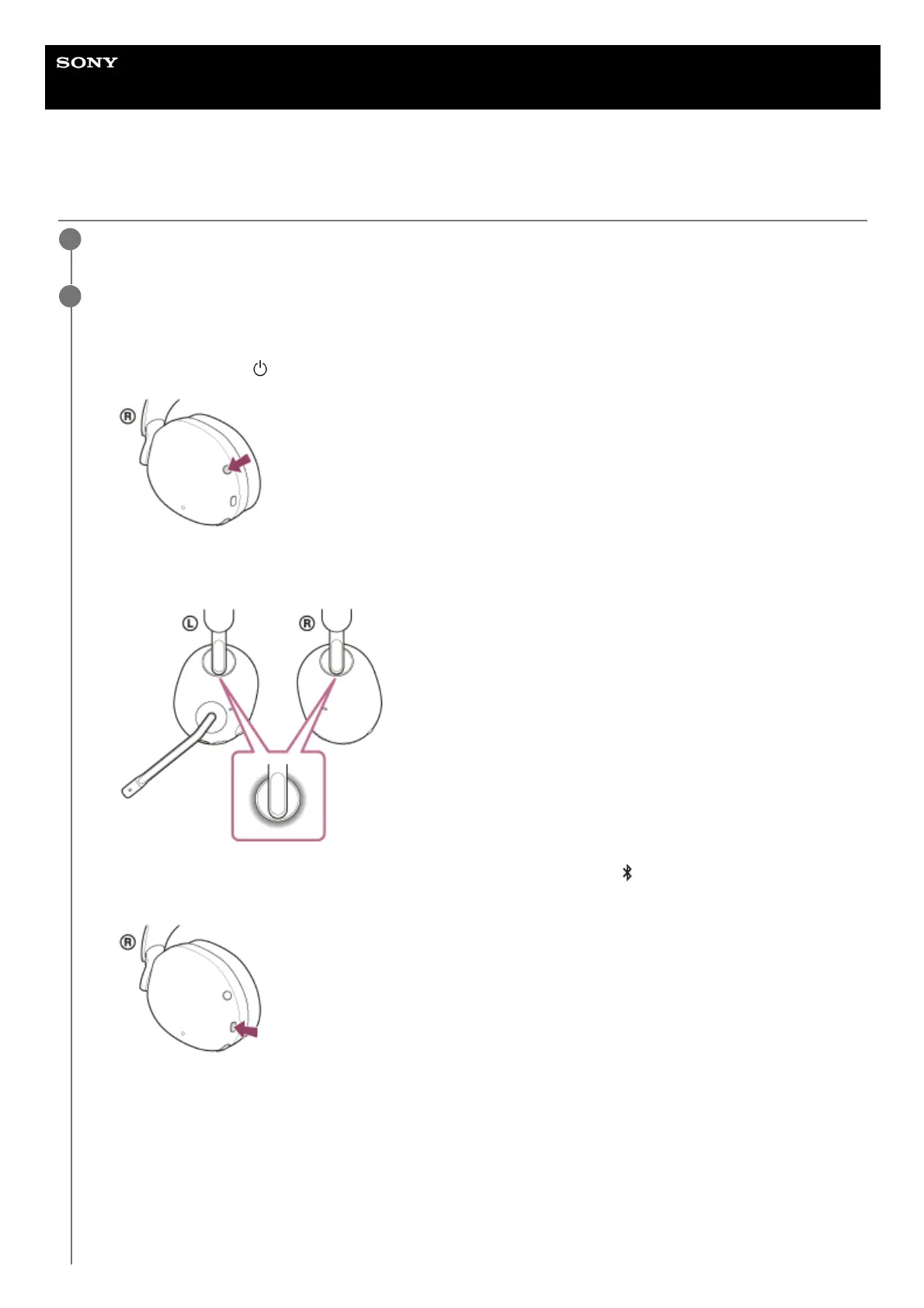
Press and hold the
(power) button for about 2 seconds or more to turn on the headset.
You will hear a notification sound indicating that the headset is turned on.
The left and right ring indicators (white or blue) light up for about 5 seconds.
1.
When the left and right ring indicators light up in white, press and hold the
(Bluetooth) button for about 2
seconds to turn on the Bluetooth mode.
You will hear a notification sound indicating that the Bluetooth mode is turned on.
The left and right ring indicators (blue) flash quickly.
2.



 To Next Page