E:\DATA\4297517111\4297517111_KDL32BX310_EN\01US04XXX.fm
masterpage:Right
KDL-32BX310
4-297-517-11(1)
5
Introducing Your New BRAVIA
®
The Four Steps to a Stunning HD Experience
Set, Source, Sound, and Setup
Along with your BRAVIA TV set, a complete HD system requires a source of HD
programming, an HD sound system, and a proper connection setup. Refer to the Quick
Setup Guide, enclosed separately, for connecting optional equipment.
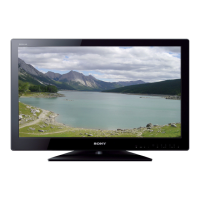
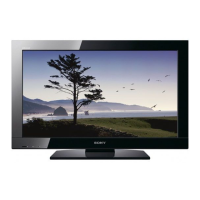
You can enjoy crisp, clear images, smooth
movement, and high-impact visuals from
1080 HD signals as shown here.
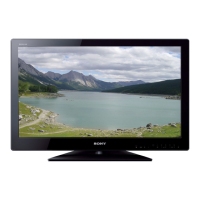
When you compare a high-definition signal
to a standard analog signal, you will notice
a big difference in picture quality. If black
bars appear as shown here, press WIDE
on the remote control to fill the screen.
01US0 Cov-UC.book Page 5 Wednesday, July 13, 2011 11:08 AM




 To Next Page


