KDL-32/40EX720,721,723,724(AEP/UK)
43
CHASSIS SERVICE
000 WYVERN
000 S2_NOISE_TH32
Item name
Category name
Data
SEC 2. ADJUSTMENT
HOW TO ENTERING SERVICE MODE
1) Turn on the main power switch to place this set in standby mode.
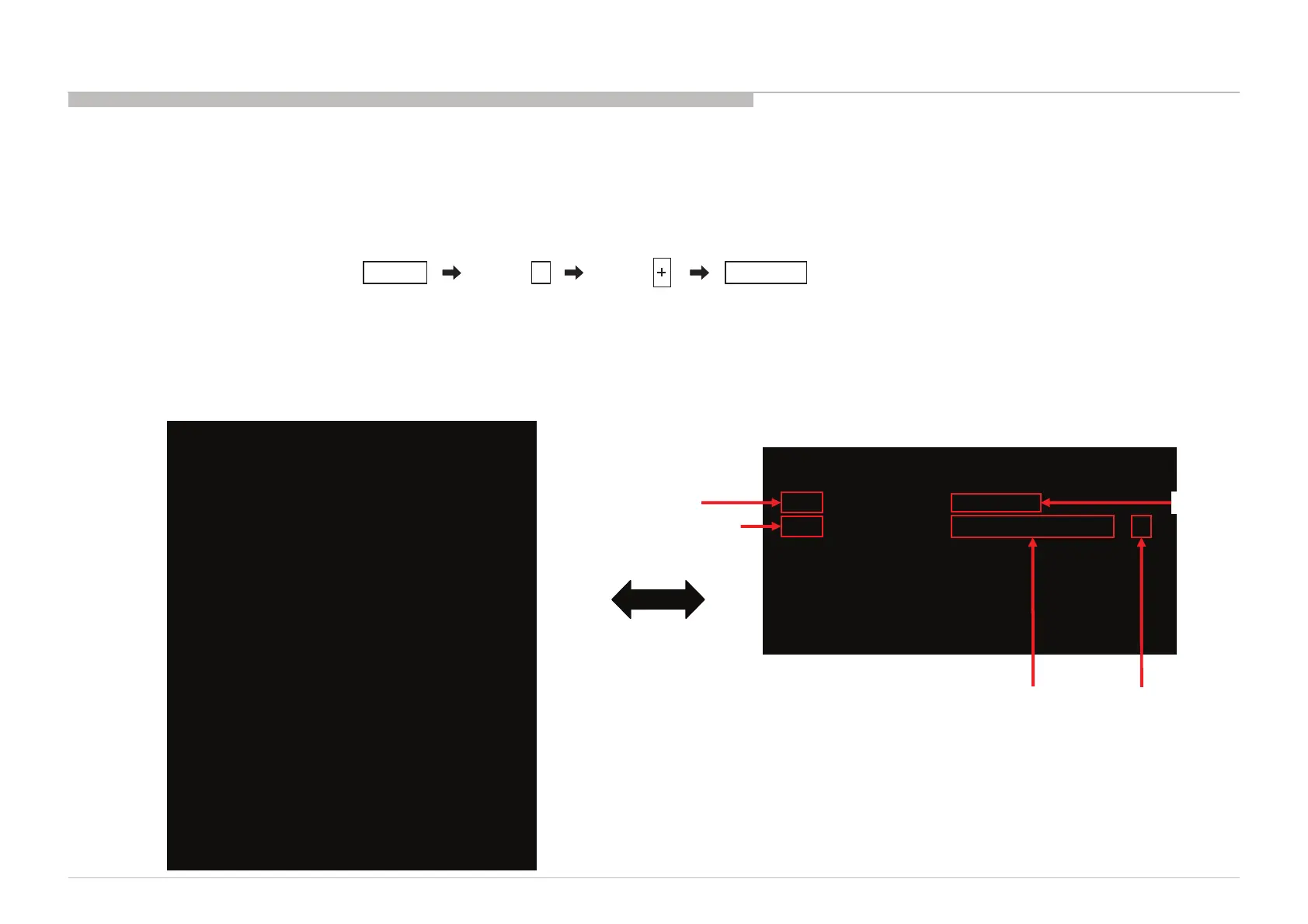
2) Press the buttons on the remote commander as follows, and entering service mode.
3) Service mode display.
Note: First of all, when you enter Service Mode, you can see “Digital” service mode.
Whenever you press “OPTIONS” or “JUMP” on remote, each service mode is changed.
“Digital” -> “Chassis” -> “VPC”
Press “OPTIONS”
or “JUMP” button
Item number
Category number
5
DISPLAY TV POWERChannel Volume
DIGITALSERVICE
001OP
000VERS‐‐‐
<MAIN><EXT>
DM1.301W00AARF:01.05
WF1.003W00AAWF:2.0.0.99
DF1.001W00AAWF:0B
YM1.010W00AACAM:X.XXX
DB2.105W00AAFD:XXXX
(DM1.301W00AA)
DD1.016W00AA
WP0.521W00AA<PEM>
MID:1C117081PM1.012W00LU
PID:04020000PB1.000W00LU
PNL:LTY320AB01PL1.011J46LUX
POP:X.XXXPD1.011J46LUX












 To Next Page