KDL-32/40EX720,721,723,724(AEP/UK)
51
ADJUSTMENT
SET TO SHIPPING CONDITION
How to do shipping condition.
a. Move to “Digital” service mode.
Press “8” on remote.
It shows green “SERVICE” changes to green “RST-”.
Press “mute” on remote.
Added green “EXE” after green “RST-”.
d. Press “0” on remote. Green “EXE-RST” changes to red “EXE-RST”. It indicate writing is processing.
After a while, red “EXE-RST” changes to green “SERVICE”.
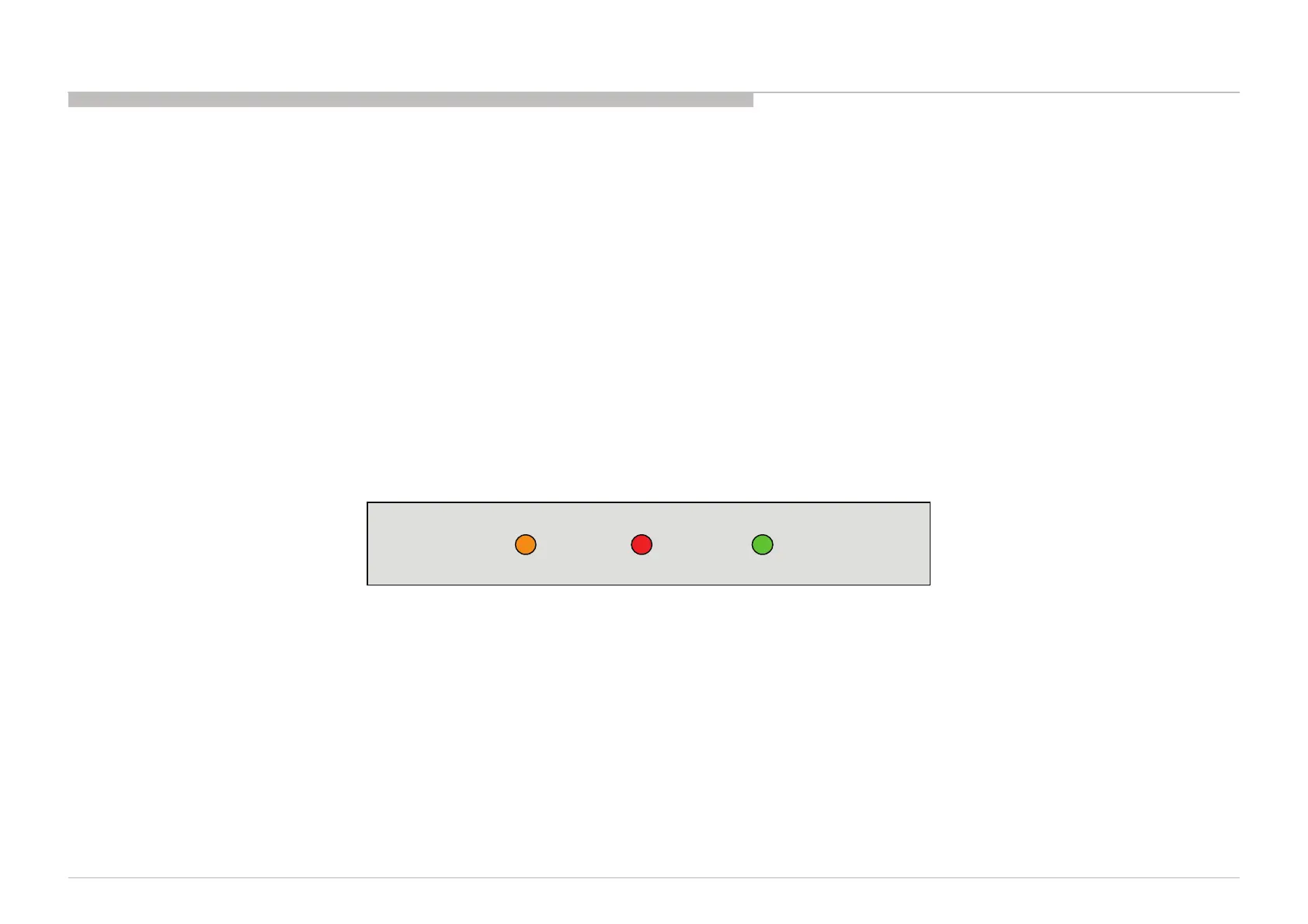
And all LED lights.
Writing process is done at this point.
<Another way>
You can set to shipping condition w/o entering Service Mode.
-> “Cursor Up” on remote + “Power Key” on Front panel.
TIMER Standby POWER





 To Next Page