EasyManua.ls Logo

Sony KP-FX43M31 - User Manual

Sony KP-FX43M31
219 pages
Print Icon
To Next Page IconTo Next Page
Loading...
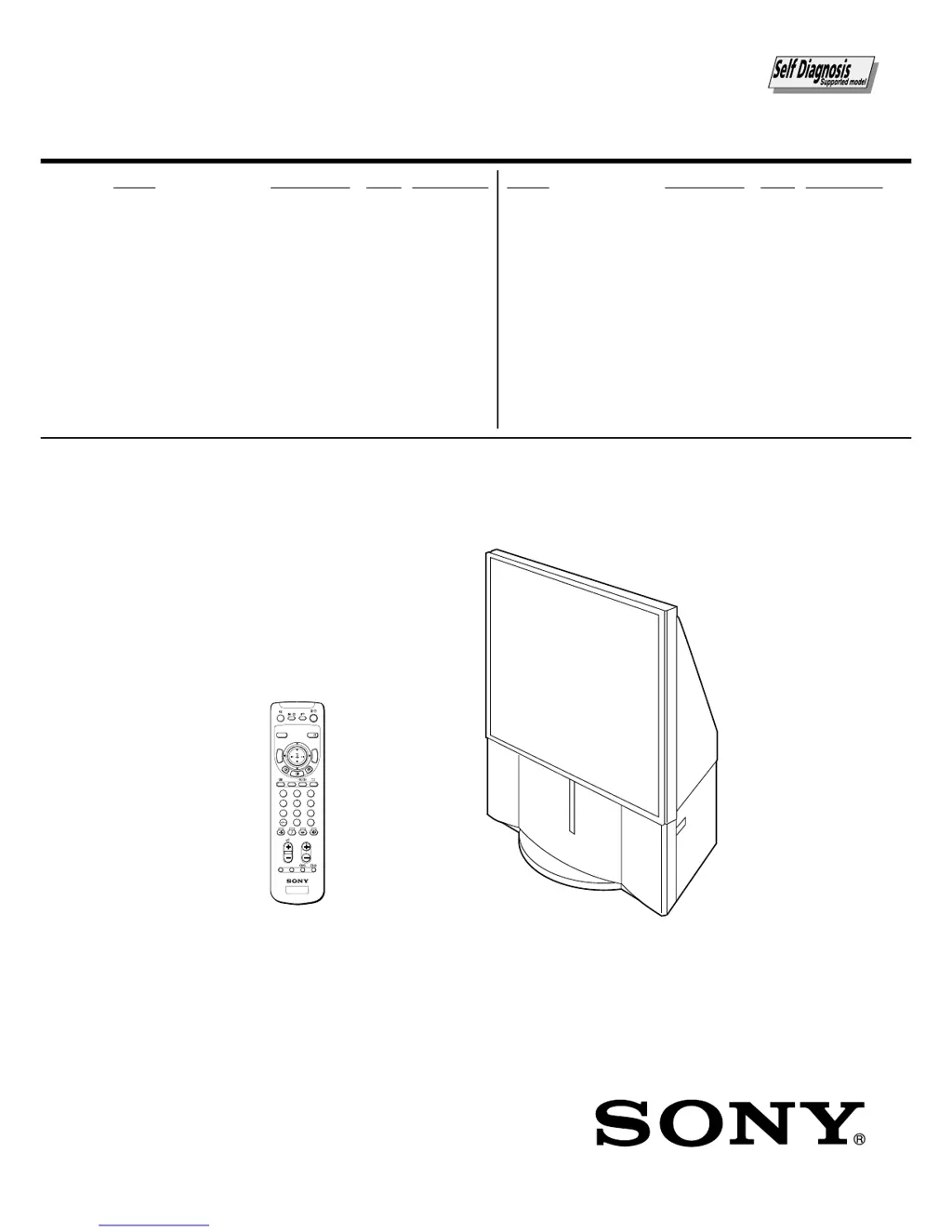
SERVICE MANUAL
MODEL COMMANDER DEST. CHASSIS NO.
CHASSIS
MODEL COMMANDER DEST. CHASSIS NO.
AG-3X
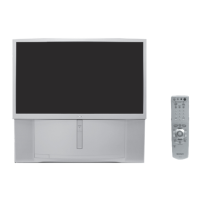
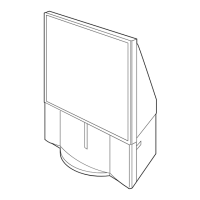
PROJECTION TV
KP-FX43M31 RM-998 AUS SCC-P95D-A
KP-FX43M61 RM-998 GE SCC-P90D-A
KP-FX43M91 RM-998 ME SCC-P94D-A
RM-998
KP-FX43M31/M61/M91
KP-FX53M31/M61/M91
KP-FX53M31 RM-998 AUS SCC-P95C-A
KP-FX53M61 RM-998 GE SCC-P90C-A
KP-FX53M91 RM-998 ME SCC-P94C-A
TV
VIDEO
DRC-MF
HD/DVD
123
456
78
0
9
JUMP
PROG
OPTION RESET
A/B
PROG
INDEX
MENU
T
W
I
N
P
R
O
G
+
T
W
I
N
P
R
O
G

Table of Contents

Questions and Answers

  • V
    Veronica WatsonAug 16, 2025
    How to fix snowy picture and noisy sound on my Sony KP-FX43M31?
    • Z
      zhamiltonAug 16, 2025
      If your Sony Projection TV has a snowy picture and noisy sound, check the antenna cable and its connections on the TV, VCR, and the wall. Also, access the “CH PRESET” menu under the “SETUP” menu and select “MANUAL PROGRAM” to preset the channel again. Ensure your antenna type (VHF/UHF) is correct and adjust the antenna direction. If the signal transmission is low, consider using a booster.
  • A
    Alejandra SandersAug 19, 2025
    What to do if my Sony Projection TV has good picture but no sound?
    • B
      Brittany SmithAug 19, 2025
      If your Sony Projection TV has a good picture but no sound, first, increase the volume level by pressing the volume up button. Ensure that the sound is not muted by pressing the mute button. If the issue persists, the broadcast signal may have a transmission problem, try pressing A/B until a better sound is heard. If you are using TWIN pictures, make sure the correct sound is selected by pressing the appropriate button.
  • L
    Lauren BartlettAug 22, 2025
    Why does my Sony KP-FX43M31 Projection TV have double images or ghosts?
    • H
      Heather BaileyAug 22, 2025
      If your Sony Projection TV shows double images or ghosts, it might be due to broadcast signals reflecting off nearby mountains or buildings. Try using a highly directional antenna and use the fine tuning (“FINE”) function. Also, if you are using a booster, turn it off or disconnect it.
  • R
    Robert WhiteAug 25, 2025
    How to fix no color on my Sony KP-FX43M31?
    • T
      Trevor LewisAug 26, 2025
      If your Sony Projection TV has no color, first, display the “PICTURE” menu and select “ADJUST” of “PICTURE MODE”, then adjust the “COLOR” level. Next, display the “SETUP” menu and check the color system (“COL SYS”) setting, usually set to “AUTO”.
  • B
    benjamin37Aug 28, 2025
    Why does stereo sound switch on and off on my Sony KP-FX43M31?
    • F
      franklinheatherAug 28, 2025
      If the stereo broadcast sound on your Sony Projection TV switches on and off, is distorted, or frequently switches between stereo and monaural, check the antenna cable and connection on the TV, VCR, and the wall. If the issue continues, there may be a broadcast signal transmission problem, try pressing A/B until a better sound is heard.
  • M
    mbridgesAug 31, 2025
    What causes distorted picture and noisy sound on Sony KP-FX43M31?
    • A
      April PriceSep 1, 2025
      If your Sony Projection TV shows a distorted picture and noisy sound, it may be because the broadcast signals are too strong. Access the “CH PRESET” menu under the “SETUP” menu and select “MANUAL PROGRAM”. Then, select “ SENS: LOW”. Also, turn off or disconnect the booster if it is in use.
  • C
    coryalvarezSep 3, 2025
    Why is teletext display incomplete on my Sony Projection TV?
    • F
      Francisco PotterSep 3, 2025
      If the teletext display on your Sony Projection TV is incomplete, showing a snowy picture or double images, check the antenna cable and connection on the projection TV, VCR, and at the wall. If the issue persists, and the signal transmission is low, try using a booster and use the fine tuning (”FINE”) function.
  • T
    Theresa NobleSep 6, 2025
    How to fix Sony KP-FX43M31 not receiving stereo broadcast signal?
    • R
      romerologanSep 6, 2025
      If your Sony Projection TV cannot receive a stereo broadcast signal, press A/B until “AUTO” appears on the screen. Also, if TWIN pictures are displayed, ensure the correct sound is selected by pressing the appropriate button.
  • D
    Daniel JohnsonSep 9, 2025
    What causes dotted lines or tripes on my Sony Projection TV screen?
    • M
      Michael MoodySep 9, 2025
      If you see dotted lines or tripes on your Sony Projection TV, it could be due to local interference from cars, neon signs, hair dryers, power generators, etc. Avoid using a hair dryer or other equipment near the projection TV.
  • S
    Scott BakerSep 12, 2025
    Why are there lines moving across the screen of my Sony KP-FX43M31?
    • R
      Rebecca McknightSep 12, 2025
      If you observe lines moving across the screen of your Sony Projection TV, it indicates interference from external sources, such as heavy machinery or a nearby broadcast station. Try using the fine tuning (”FINE”) function.

Sony KP-FX43M31 Specifications

General IconGeneral
Screen Size43 inches
Display TechnologyCRT Projection
Resolution480i
Aspect Ratio4:3
InputsComposite, S-Video, Component
Comb Filter3D Digital Comb Filter
SpeakersStereo

Related product manuals