20
EN
Recording
Checking the Recording
1
Press CUE to prepare for monitoring.
Adjust the monitor volume using the respective
TRACK knobs and the MONITOR knob.
2 Press ( PLAY.
Playback begins.
If necessary, you can use the jog dial to locate a
specific point.
To rerecord
Follow the “Recording” procedure on the previous
page.
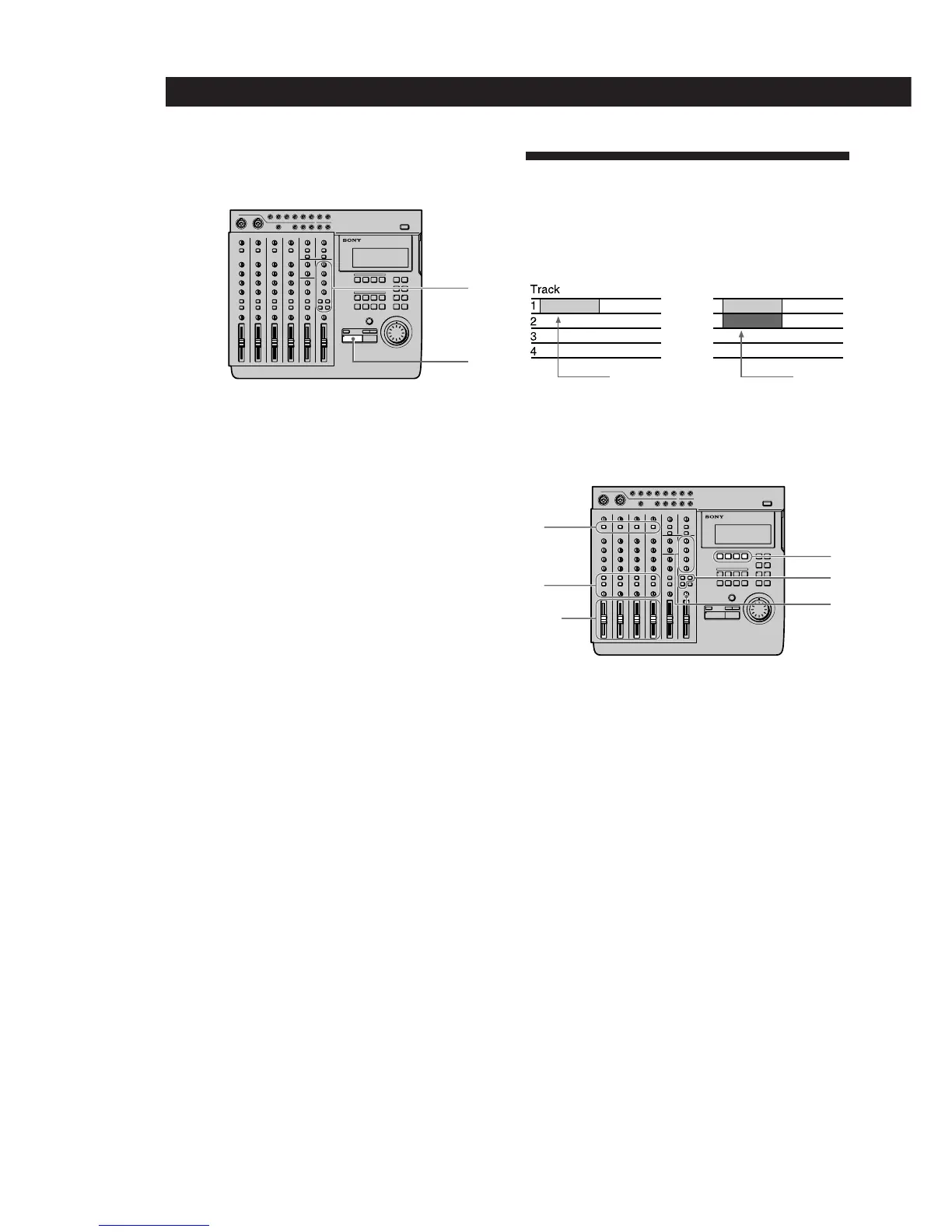
Overdub Recording
You can record other sound on a different track while
listening to the playback from a previously recorded
track. This kind of recording is called overdubbing.
Preparations
1
Set the INPUT switch for the channel to which
you will input the instrument or microphone
sound to LINE/MIC (up position).
2 Set the fader for the channel to which you will
input the sound to about 7 or 8.
3 Use the ASSIGN switch and PAN knobs to direct
the sound to the group path you want to record.
4 Press the REC SELECT key corresponding to the
group path number you selected in step 3 to
specify the track to be recorded.
5 Press the monitor track set key corresponding to
the group path number you selected in step 3.
6 Press CUE, then turn the TRACK knob
corresponding to the track containing the
recorded sound you want to hear while recording
to adjust the sound to a level at which it can be
monitored.
Use the MONITOR knob to adjust the monitor
level.
1
2



 To Next Page