EasyManua.ls Logo

Sony MHC-2200CD - Page 11

Sony MHC-2200CD
31 pages
Print Icon
To Next Page IconTo Next Page
To Previous Page IconTo Previous Page
Loading...
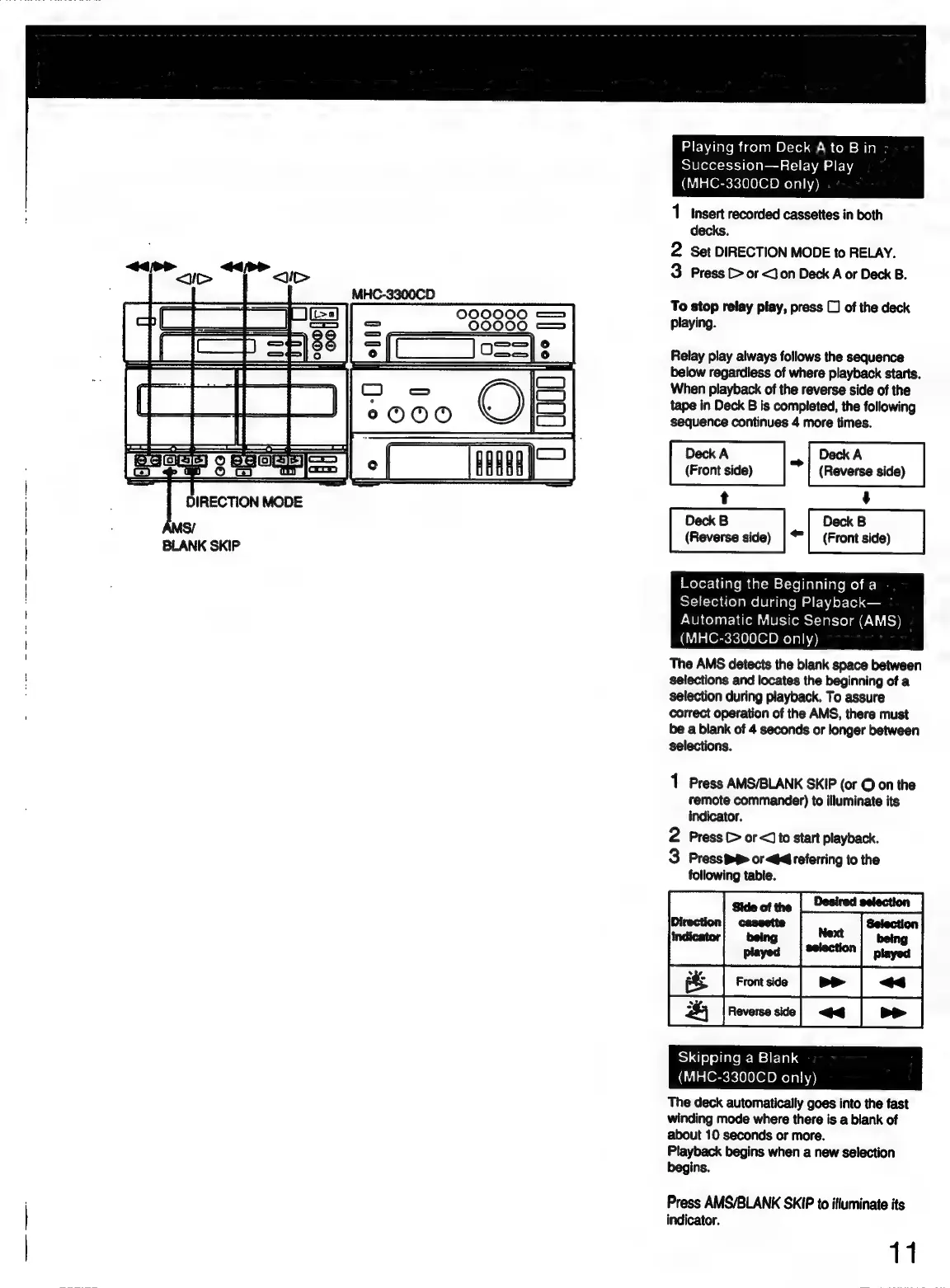
Playing
from
Deck
A
to
B
in
Succession—Relay
Play
(MHC-3300CD
only)
1
Insert
recorded
cassettes
in
both
decks.
2
Set
DIRECTION
MODE
to
RELAY.
3
Press
C>
or <J
on
Deck
A
or
Deck
B.
To
stop
relay
play,
press
C)
of
the
deck
playing.
Relay
play
always
follows
the
sequence
below
regardless
of
where
playback
starts.
When
playback
of
the
reverse
side
of
the
tape
in
Deck
B
is
completed,
the
following
sequence
continues
4
more
times.
Deck
A
“~
Deck
A
(Front
side)
(Reverse
side)
Deck
B
Deck
B
(Reverse
side)
||
(Front
side)
BoXor-|
late
mm
delem=st-yeiajaliele
moh
ars}
Selection
during
Playback—
Automatic
Music
Sensor
(AMS)
(MHC-3300CD
only)
The
AMS
detects
the
blank
space
between
selections
and
locates
the
beginning
of
a
selection
during
playback.
To
assure
correct
operation
of
the
AMS,
there
must
be
a
blank
of
4
seconds
or
longer
between
selections.
fr
1
Press
AMS/BLANK
SKIP
(or
©
on
the
remote
commander)
to
illuminate
its
indicator.
2
Press
C>
or
<Jto
start
playback.
3
PressiP
ord
referring
to
the
following
table.
Side
of
the
|_Desired
selection
|
S14]
9)
o)iate
=m
sil-lald
(MHC-3300CD
only)
The
deck
automatically
goes
into
the
fast
winding
mode
where
there
is
a
blank
of
about
10
seconds
or
more.
Playback
begins
when
a
new
selection
begins.
Press
AMS/BLANK
SKIP
to
ifluminate
its
indicator.