7
GB
MHC-ECL7D/ECL6D.GB.4-467-787-11(1)
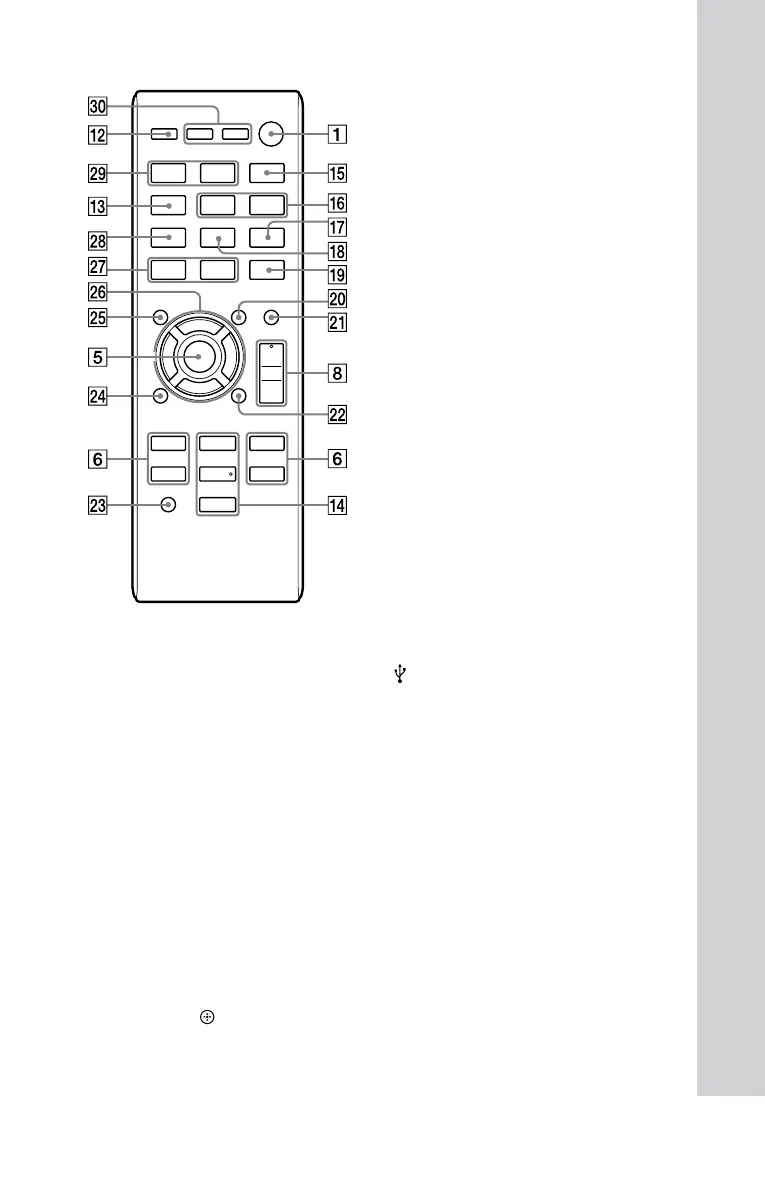
Remote control
/ (on/standby) button
Press to turn the system on or o.
OPTIONS button (page 19)
Press to erase a le or folder on the
connected USB device.
Remote control sensor
REC TO USB button (page 17)
Press to start transferring music from a
disc to the connected USB device.
Unit: ENTER button
Remote control:
(enter) button
Press to enter/conrm the settings.
TUNING +/ button
Press to tune to a desired station.
/ (previous/next) button
Press to select a track, le or chapter.
/ (fast reverse/fast forward)
button
Press to nd a point in a track, le or
chapter.
(slow forward) button
Press in pause mode to watch in slow-
motion.
PRESET +/ button
Press to select a preset radio station.
OPEN/CLOSE (open/close) button
Press to open or close the disc tray.
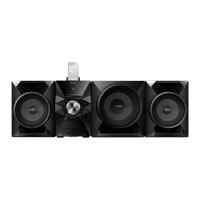
Unit: VOLUME control
Turn to adjust the volume.
Remote control: VOLUME +/ button
Press to adjust the volume.
(USB) port (page 16)
Use to connect a USB device.
AUDIO IN L/R jacks
Use to connect an external audio
component.
MIC (microphone) jack
Use to connect a microphone.
BASS BOOST button
Press to create a more dynamic sound.
You can turn the eect on or o by
pressing repeatedly.










 To Next Page