40
You can record from CD, tape, or radio as
you like. For example, you can record just the
songs you want or record from the middle of
the tape. The recording level is adjusted
automatically.
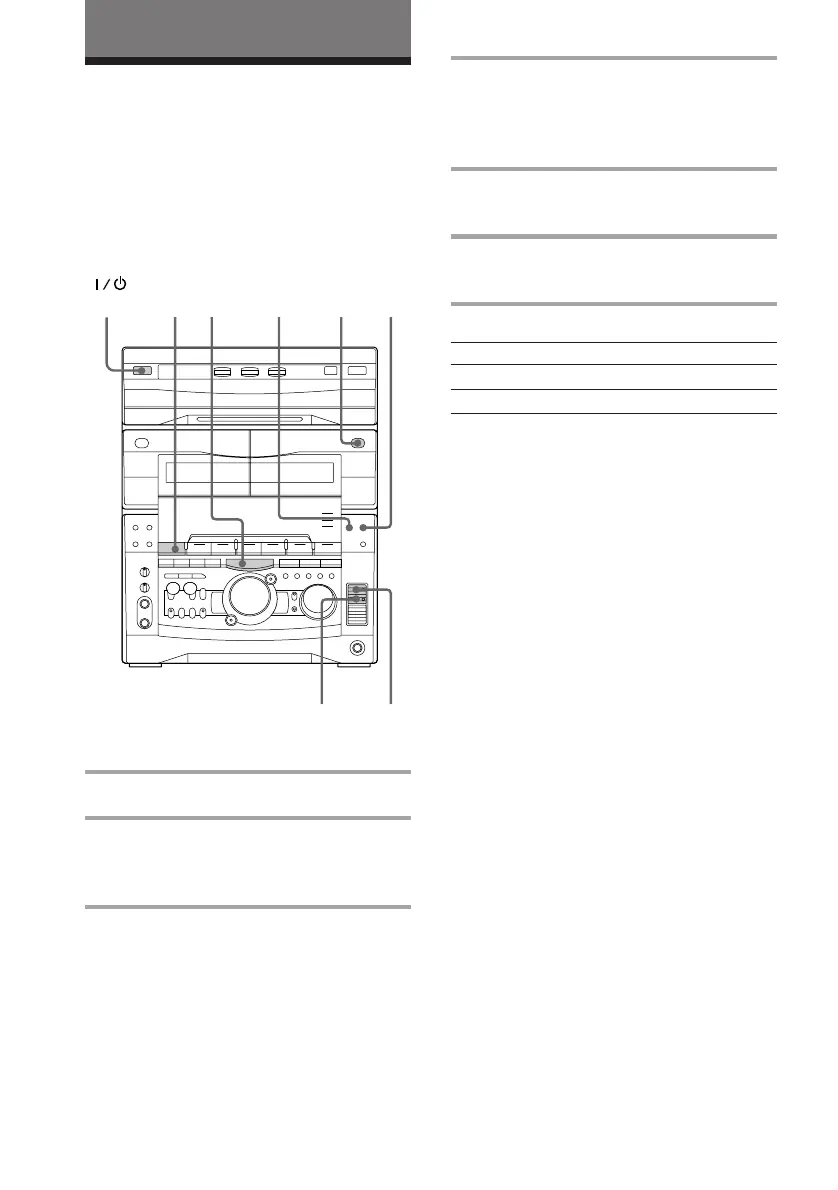
1 Insert a blank tape into deck B.
2 Press FUNCTION repeatedly until
the source you want to record (e.g.,
CD) appears.
3 Press r REC.
Deck B stands by for recording. The
indicator on TAPE B ( (for front side)
lights up.
Recording on a tape
manually
4 Press DIRECTION repeatedly to
select A to record on one side.
Select ß (or RELAY) to record on
both sides.
5 Press P PAUSE.
Recording starts.
6 Start playing the source to be
recorded.
To Press
Stop recording p.
Pause recording P PAUSE.
Tips
• If you want to record from the reverse side, press
TAPE B 9 to light its indicator after pressing r
REC.
• When you want to reduce the hiss noise in low-
level high-frequency signals, press DOLBY NR so
that “DOLBY NR” appears after pressing r REC.
• When recording from a CD, you can use the jog
dial to select tracks during rec pause mode (after
pressing r REC in step 3 and before pressing P
PAUSE in step 5).
The Tape Deck
2
1
5
4
3
(Power)
DOLBY NRp



 To Next Page
 Loading...







