18
MHC-VX777/VX555/VX555J 4-232-651-12 (1)
Listening to the radio
–– Preset Tuning
Preset radio stations in the tuner's memory first
(see “Presetting radio stations”).
1 Press TUNER/BAND repeatedly to
select FM or AM.
2 Press . or > (or press PRESET
+/– on the remote) to tune in the preset
station you want.
To Turn off the radio
Press ?/1.
To listen to non-preset radio stations
Press M or m (or TUNING +/– on the
remote) repeatedly for manual tuning or press
and hold M or m (or TUNING +/– on the
remote) for automatic tuning.
Tips
• When an FM program is noisy, press FM MODE so
that “MONO” appears in the display. There will be
no stereo effect, but the reception will improve.
• To improve broadcast reception, reorient the
antennas.
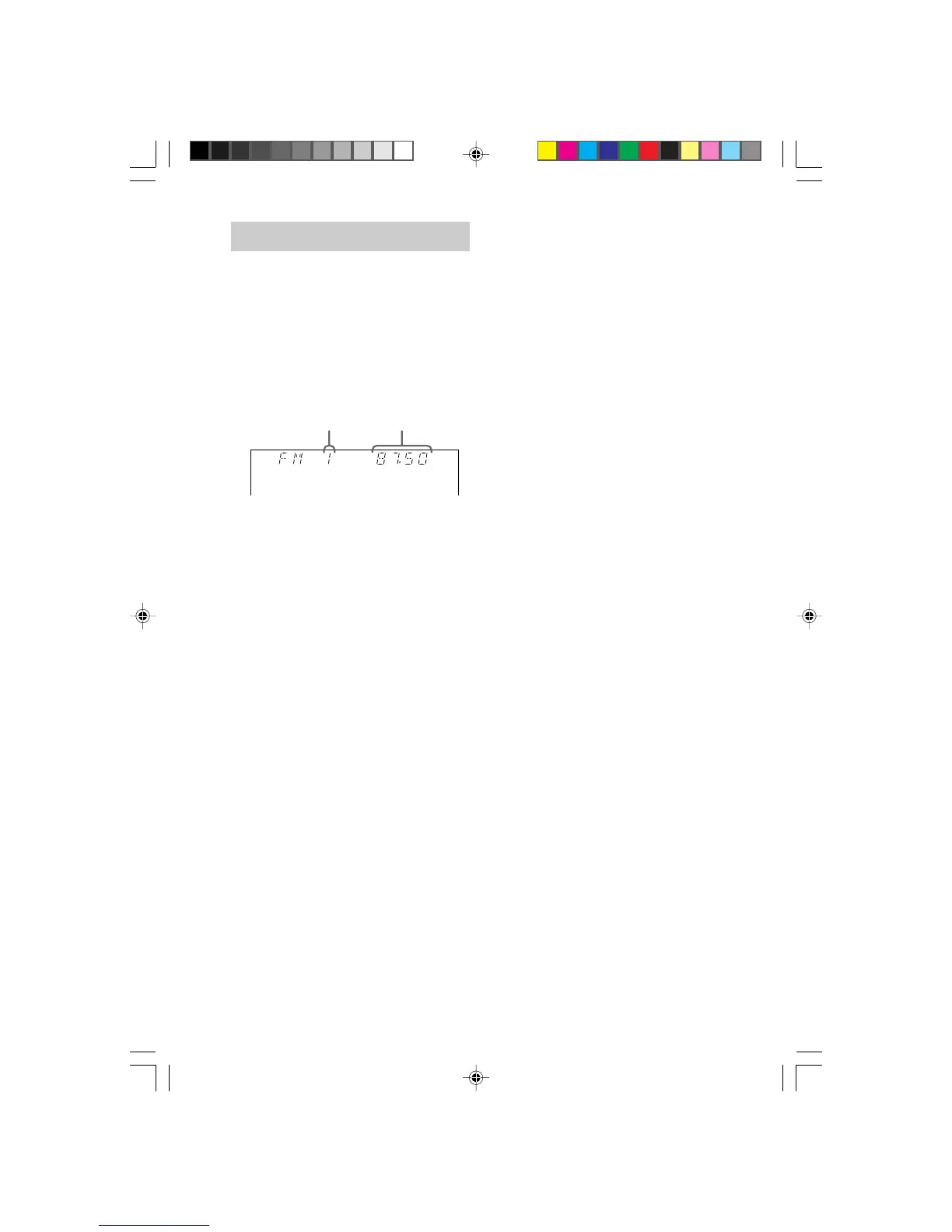
Preset number* Frequency
05TUN_MHC-VX777/VX555.p65 GB 13/03/2001, 4:58 PM18



 To Next Page