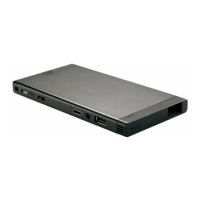
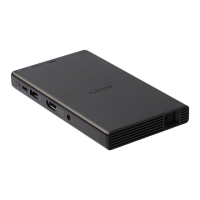
MP-CL1 3-MP0-107-01
4
Select [ Return] - [ ] to exit the menu.
The screen of the device capable of screen mirroring is projected.
Operate the device to select the content that you want to project.
Note
• The operation for searching for this product using the screen mirroring function
differs depending on the device. Refer to the manual of your device for details.
• The screen mirroring function may be also referred to as “Miracast,” etc.


 To Next Page