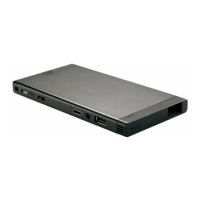
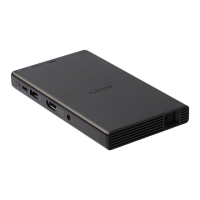
MP-CL1 3-MP0-107-01
Connecting via screen mirroring
Connect this product to a device capable of screen mirroring and project its screen.
1
Select [ Input change] - [ Screen mirroring] in the menu of this
product.
2
With your device capable of screen mirroring search for connectable
devices.
A list of connectable devices is displayed.
3
Tap the Device name of this product (MP-CL1) in the list.


 To Next Page