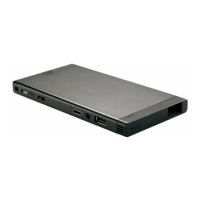
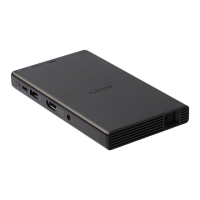
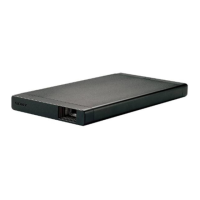
MP-CL1 3-MP0-107-01
Alignment settings
Optical alignment
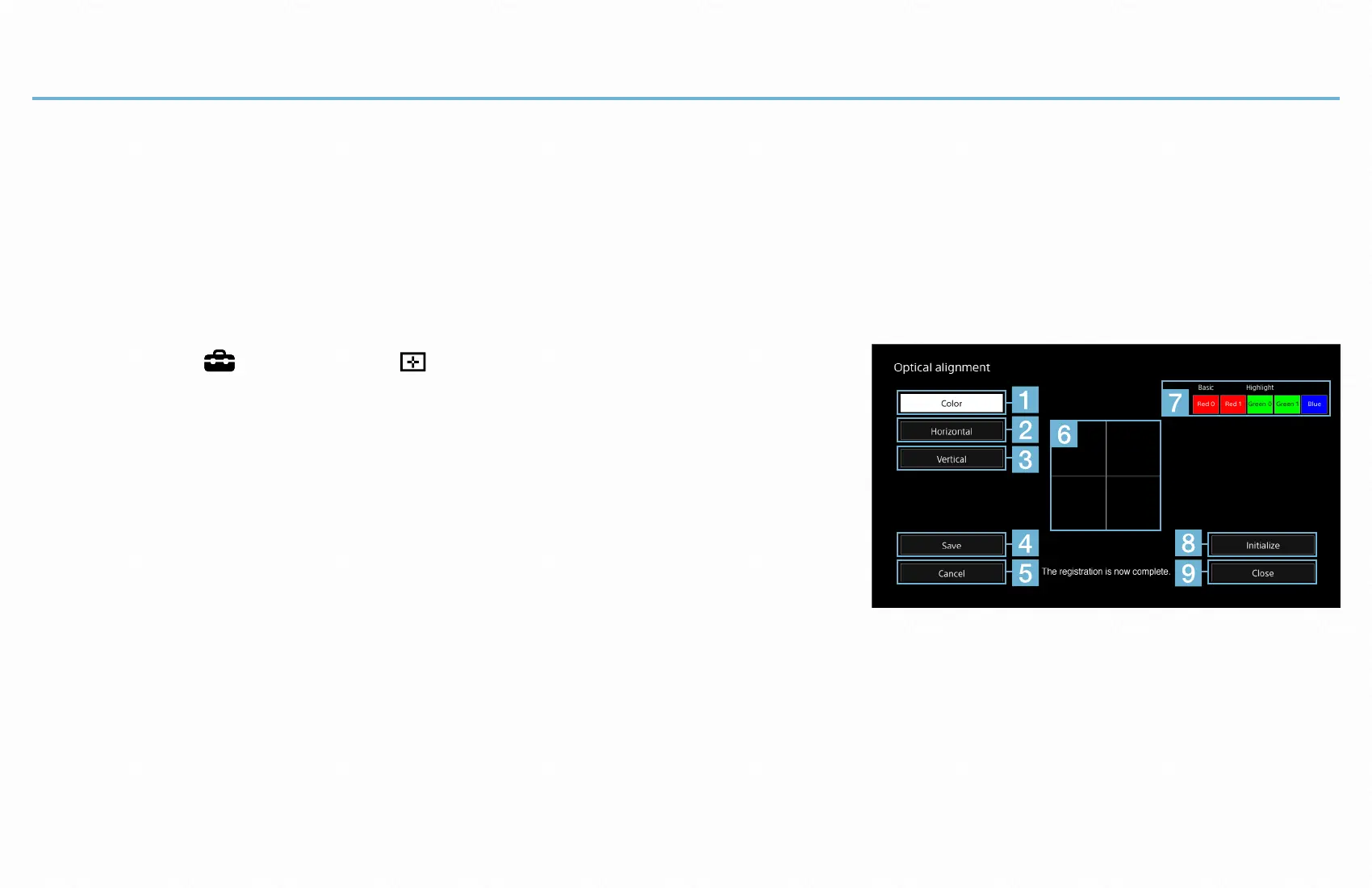
Adjust the horizontal/vertical alignment of the color items to obtain a clear image. If
colored lines are seen beside the crossed lines in the [Optical alignment] screen, the
color items corresponding to those colors need to be adjusted.
1
Select [ Setup] - [ Optical alignment].
The [Optical alignment] screen appears. To select
an item in the screen, slide the jog lever to + or
−, and then press the lever with the desired item
highlighted.
Initialize
SaveToFactory
2
Select [Color] (
) to select the color item (
) to adjust.
One of the color items is automatically set as [Basic], which is used to align the
other items.
[Highlight] is shown above the color item that is currently selected for adjustment.
To select the next or previous color item, slide the jog lever to + or −, and then


 To Next Page