16-GB
When the removable disk (Memory
Stick icon) is not indicated
The device driver may have not been installed correctly. Insert this unit
into your computer, and then perform the following procedure.
When using Windows XP
Log on as Administrator or using an user ID that has administrative
privileges. Please see the manual of your computer for process to log on
the administrative privilege.
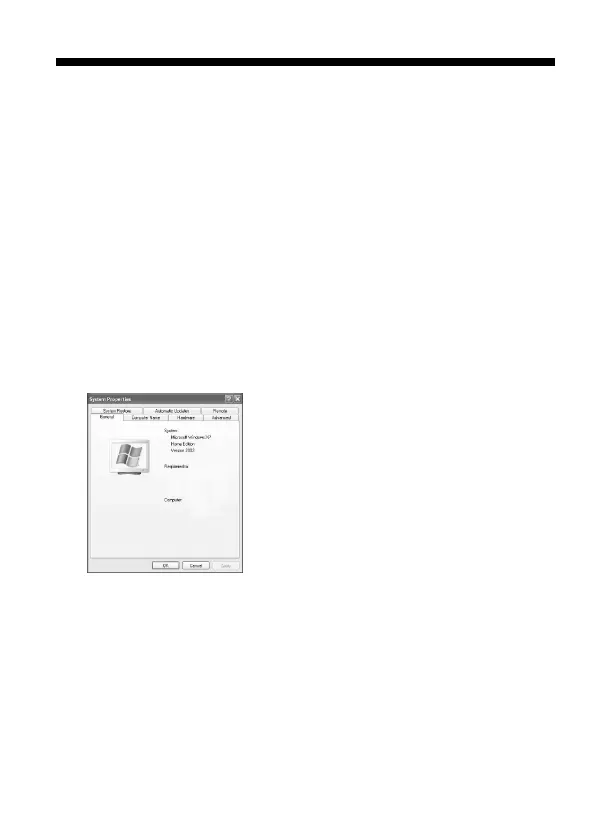
1 Show the “System Properties” screen.
1 Click [start].
2 Click [Control Panel].
3 Double-Click [Performance and Maintenance].
4 Click the “System” icon.
For Windows



 To Next Page