15-IT
4 Fare clic sul pulsante [Next] come indicato nella schermata.
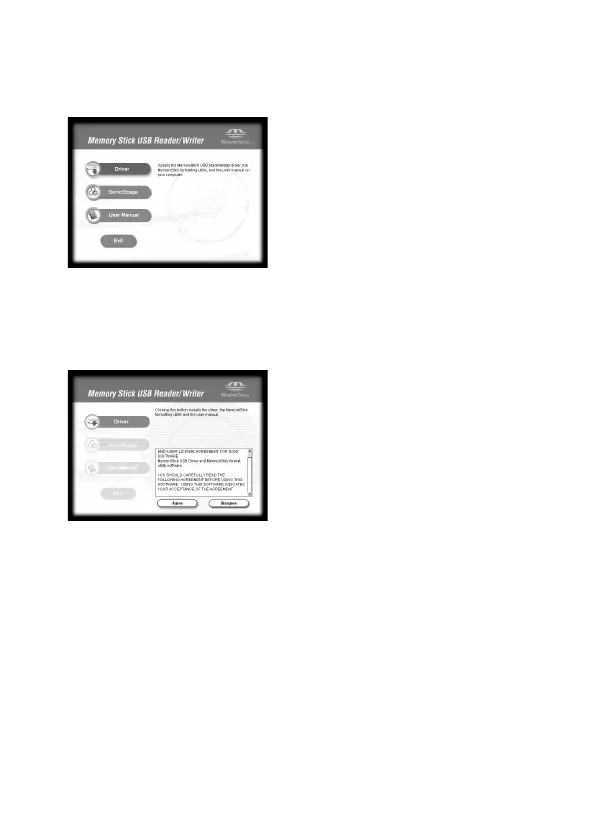
2 Inserire il CD-ROM in dotazione (MSAC-US30) nell’unità CD-
ROM del computer.
Il programma di lancio installazione si avvia automaticamente.
Per installare il driver, fare clic sul pulsante [Driver] del menu.
3 Leggere attentamente il License Agreement, poi fare clic sul
pulsante [Agree].
Se si fa clic sul pulsante [Agree], l’installazione del driver inizia.


 To Next Page
 Loading...