16-IT
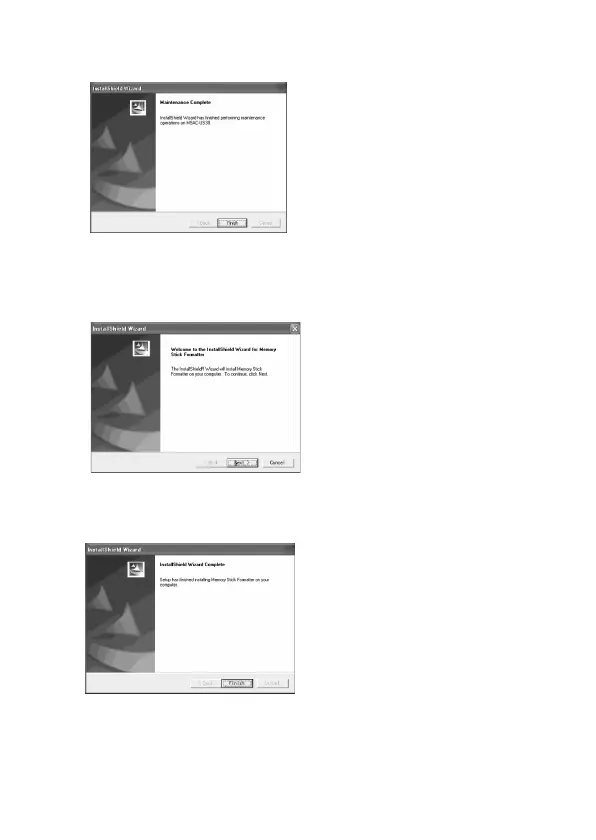
5 Quando si fa clic su [Finish], l’installazione del driver è
completata.
6 Successivamente inizia l’installazione di “Memory Stick
Formatter”.
Fare clic sul pulsante [Next] come indicato nella schermata.
7 Quando si fa clic su [Finish], l’installazione di “Memory Stick
Formatter” è completata.
Per usare “Memory Stick Formatter”, selezionare [Start] – [Programs]
– [Memory Stick Utility] – [Memory Stick Formatter].


 To Next Page
 Loading...