Chapter 4 Recording, Playback and File Transfer
4-6 Chapter 4 Recording, Playback and File Transfer
4-2 Playback
This section describes playback of video and audio.
4-2-1 Preparations for Playback
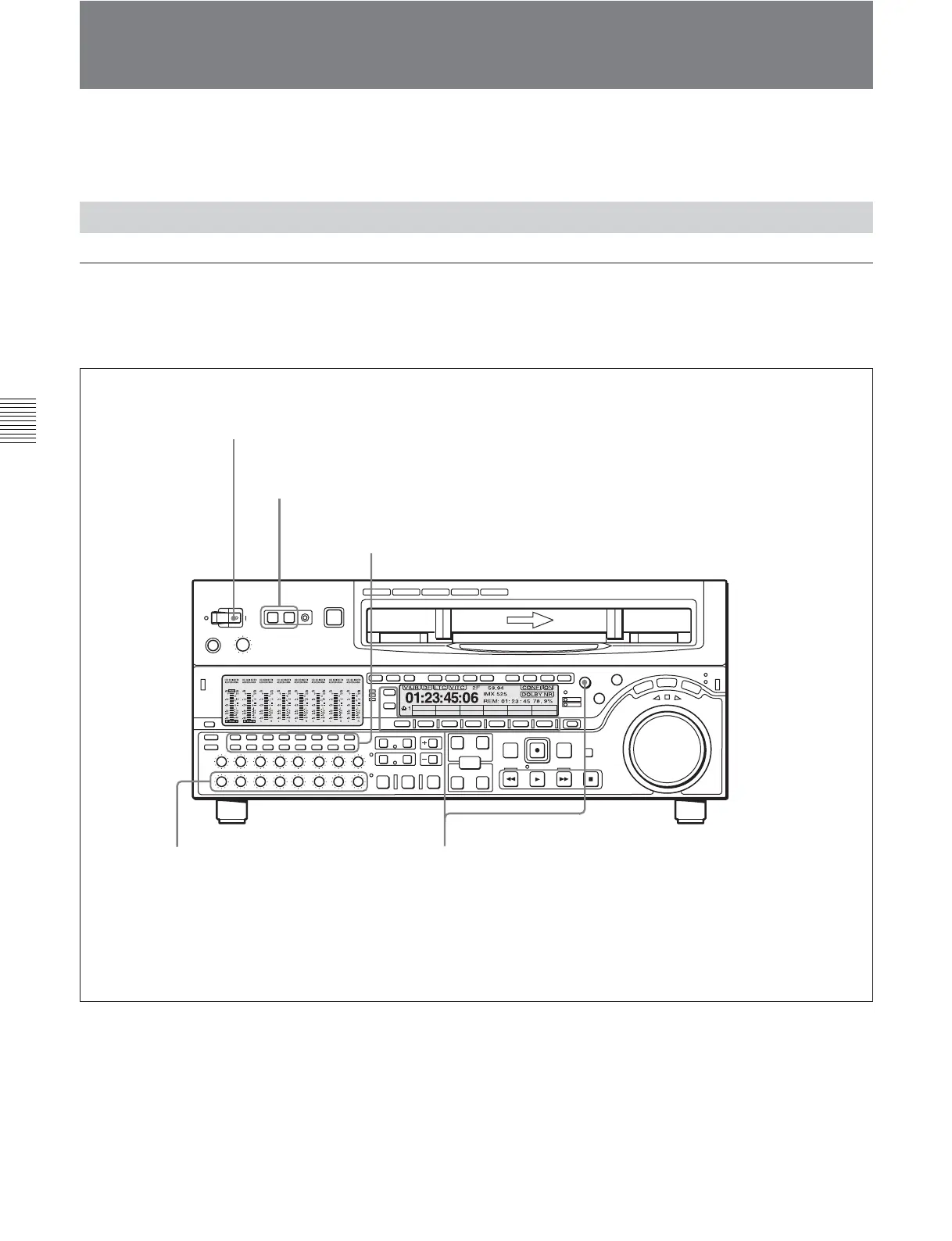
Switch and menu settings
Before beginning playback, make necessary switch
and menu settings.
For details on each setting, see the pages indicated in
parenthesis.
TCG (F1) setting
(see page 11-4)
: INT
VID. IN PB/EE CONFI CTL/TC
Y-R,B
PB
OFF TC
MENU
TCGSET
Z
POWER switch: ‘ & ’ side (ON)
REMOTE buttons
(see page 2-2)
: off
Audio signal selection buttons
(see page 2-6)
:
Select the audio channel(s) to be monitored.
PB controls
(see page 2-7)
:
Adjust the audio playback levels.
TCR setting
(see page 11-4)
: Select the time code to be displayed.
PB/EE setting
(see page 11-3)
: PB
TCG (F2) setting
(see page 11-4)
: Select the output time code.
CTL/TC setting
(see page 11-3)
: Select the time data to be displayed.
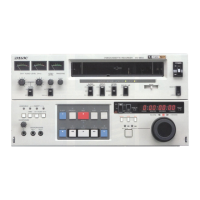
All the VTRs illustrated in Section 4-2 are the MSW-
M2000/M2000P/A2000/A2000P/2000.







 To Next Page