56
Changing the
operational direction of
the display
When you turn the jog dial clockwise, the
display scrolls downward. This is the
factory setting. You can change the
factory setting to scroll in the opposite
direction.
1 Enter the menu and select “Option” -
“Jog Dial”.
2 Turn the jog dial until “Reverse”
appears in the display, and then press
NENT to enter the selection.
To turn the setting to normal
Select “Default” in step 2.
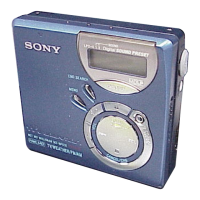
5-way control key (NENT)
NAVI/MENU
Jog dial



 To Next Page
 Loading...