90
GB
Table of
contents
Sample photo Menu Index
The image size varies depending on the [Panorama Direction] setting.
• When you print panoramic images, both edges may be cut off.
Sweep Panorama
(Standard) Shoots images using standard size.
Vertical: 3872 × 2160
Horizontal: 8192 × 1856
(Wide) Shoots images using wide size.
Vertical: 5536 × 2160
Horizontal: 12416 × 1856
Note
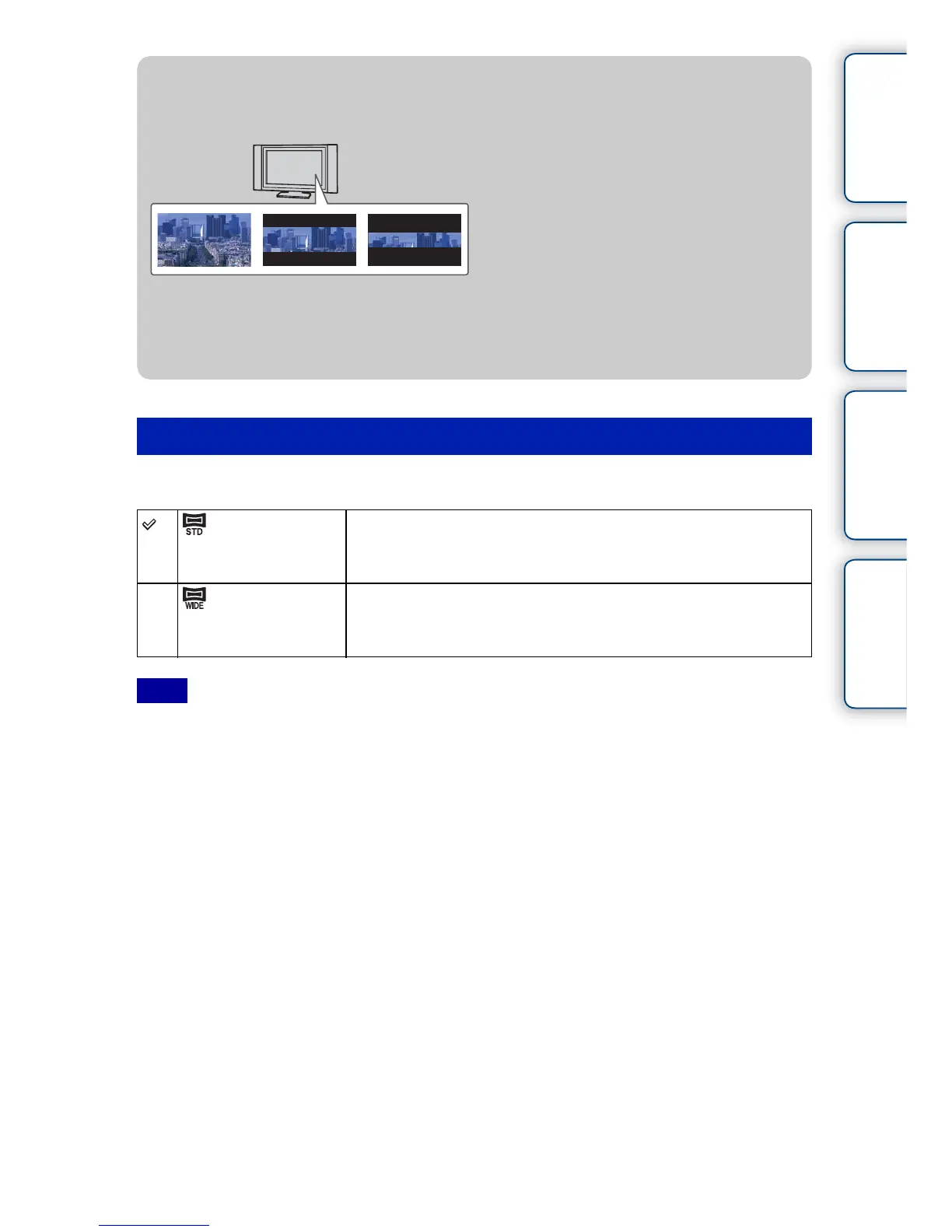
z Tips for selecting the image size
The images appear differently, depending on the mode selected.
16:9 Standard Wide
When [Standard] or [Wide] is selected, the images are scrolled when you press the center of
the control wheel.



 To Next Page