116
GB
Table of
contents
Sample photo Menu Index
Specify Printing
You can specify which still images you shot on the memory card that you want to print
out later.
The (Print order) mark is displayed for registered images (DPOF: Digital Print
Order Format).
1 MENU t [Playback] t [Specify Printing] t desired setting.
• You cannot add the DPOF mark to movies.
• You can add the DPOF mark to up to 999 images.
• DPOF registration is not cleared after printing. It is recommended that you clear it after you print the still
images.
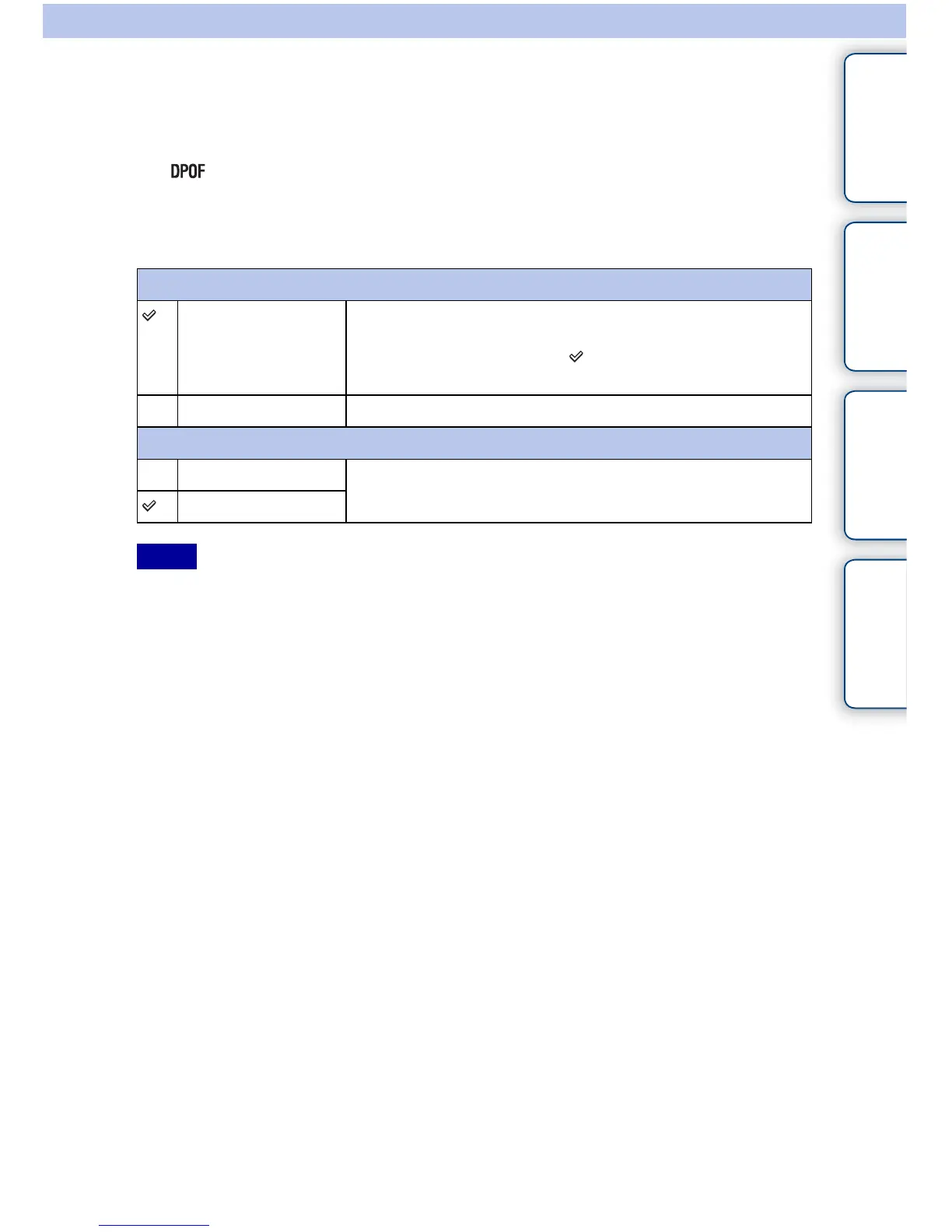
DPOF Setup
Multiple Img. Selects images to order printing.
1Select an image and press the center of the control wheel. To
cancel the image, select the -marked image again.
2Repeat the operation on all images you want to print.
Cancel All Clears all DPOF marks.
Date Imprint
On Sets whether or not to date the DPOF marked images when
printing them.
Off
Notes



 To Next Page