Parts and controls
GB
5
Recording
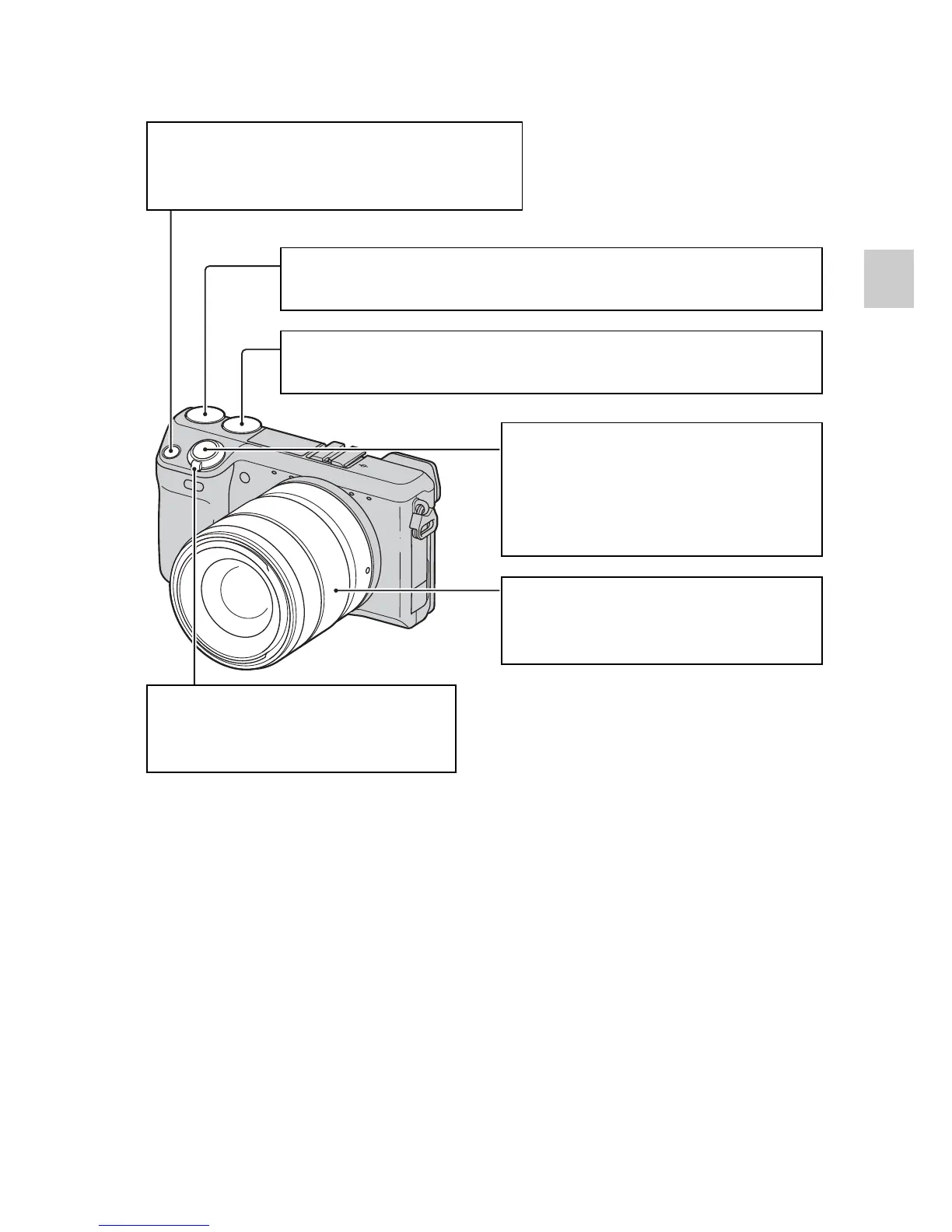
Navigation button
Selects the adjustment settings for the
Triple-dial-control operation.
Control dial R
Sets the items that appear at the top right of the screen.
Control dial L
Sets the items that appear at the top left of the screen.
Shutter button
Shoots still images.
Allows you to focus on the
subject when it is pressed half
way down.
Zoom ring
Zooms in or out the subject (when
a zoom lens is used).
ON/OFF (Power) switch
Turns on the camera at ON, off
the camera at OFF.



 To Next Page