33
GB
Table of
contents
Sample photo Menu Index
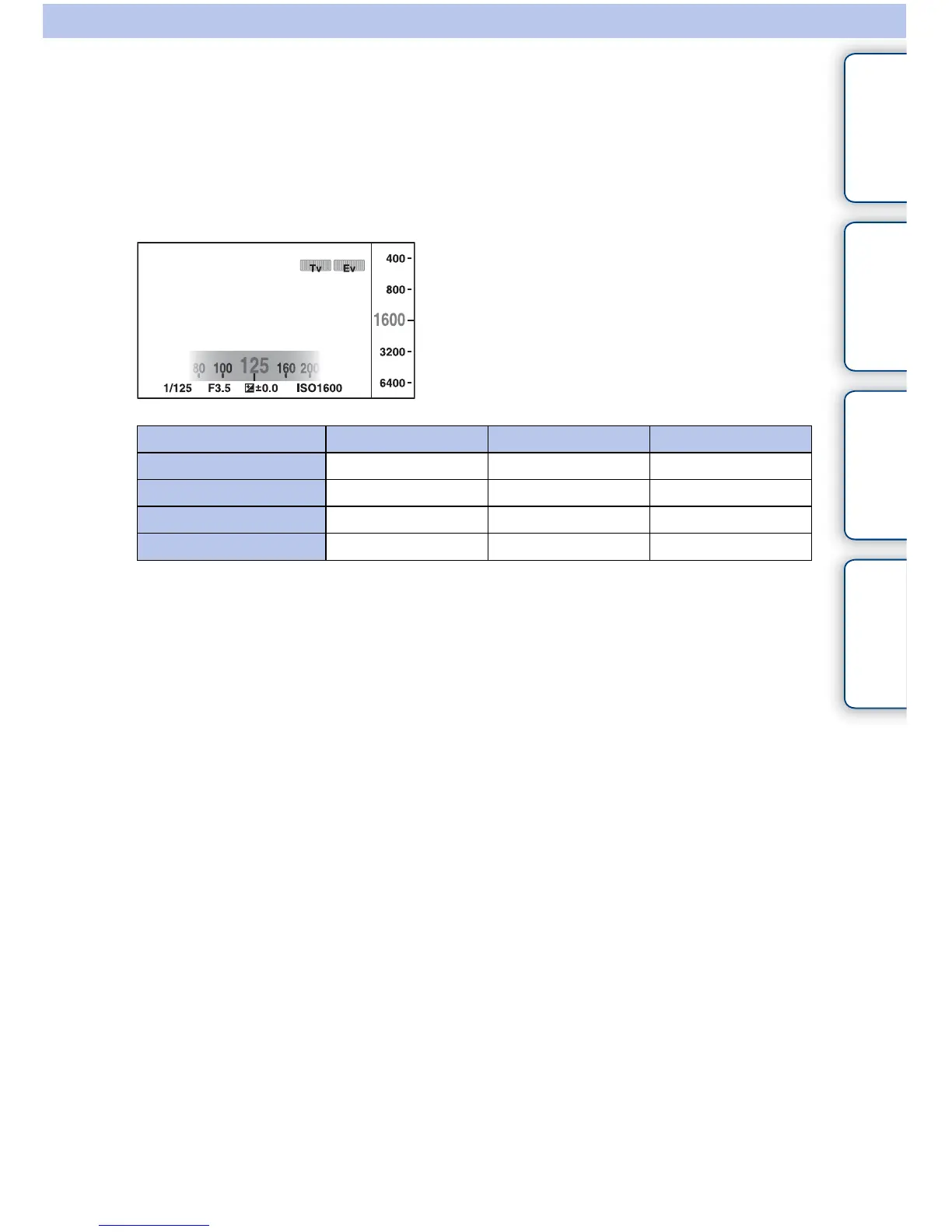
Exposure Settings
You can set items used to adjust the exposure, such as shutter speed and aperture, on a
single screen.
1 Set each item with the control dials L/R and the control wheel.
The functions assigned to these dials vary depending on the shooting mode.
• You can set the exposure compensation by turning the control dial R when [Anti Motion Blur], [Sweep
Panorama], or [3D Sweep Panorama] is selected.
Shooting mode Control dial L Control dial R Control wheel
M (Manual Exposure)
Shutter speed Aperture ISO
S (Shutter Priority)
Shutter speed Exposure compensation ISO
A (Aperture Priority)
Aperture Exposure compensation ISO
P (Program Auto)
Program shift Exposure compensation ISO



 To Next Page