30
GB
Table of
contents
Sample photo Menu Index
Deleting images
You can delete the image displayed.
• You cannot delete protected images.
• Once you have deleted an image, you cannot restore it. Check whether you delete the image or not
beforehand.
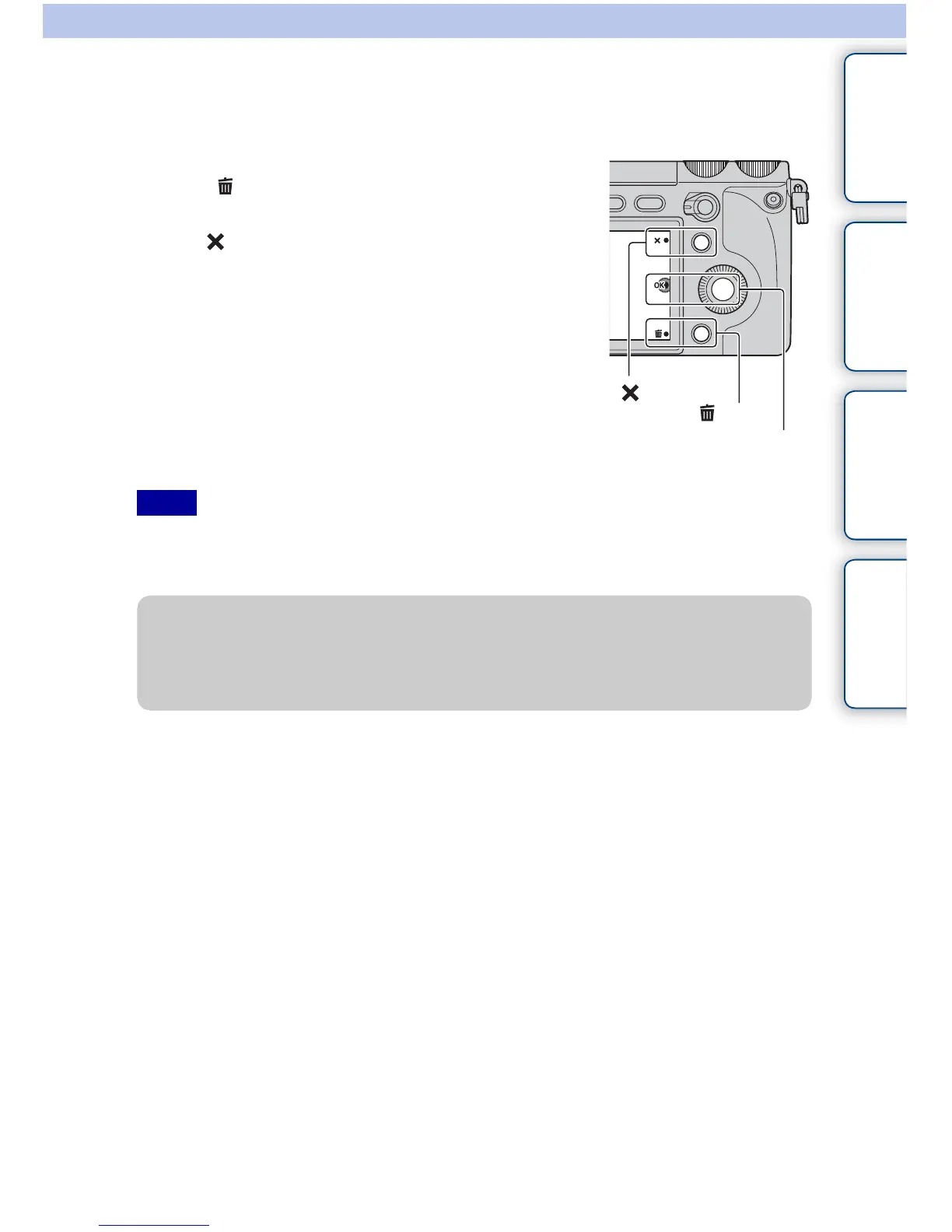
1 Display the image you want to delete, and
select (Delete).
2 Select OK.
Select to quit the operation.
OK
Notes
(Delete)
z To delete several images
Select MENU t [Playback] t [Delete] to select and delete several images at the same
time.



 To Next Page