144
GB
Table of
contents
Sample photo Menu Index
Function Settings
Allows you to select the set of shooting adjustments that you can call for the Triple-dial-
control operation by pressing the Navigation button.
1 MENU t [Setup] t [Function Settings] t desired setting.
Function Settings 1 to 4
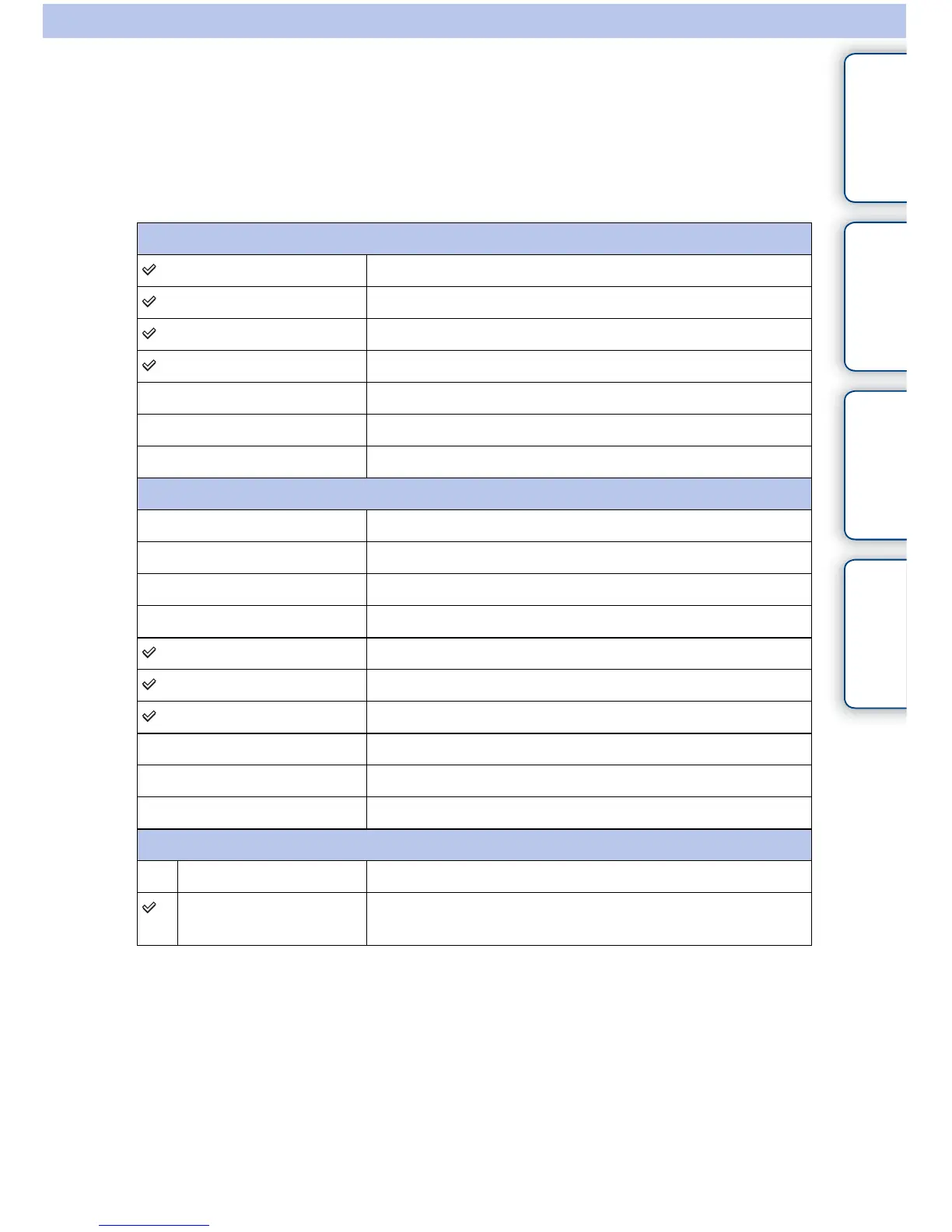
[Function Settings 1] Focus Settings
[Function Settings 2] White Balance Settings
[Function Settings 3] D-Range Settings
[Function Settings 4] Creative Style Settings
Picture Effect Settings
Custom Settings
Not set
Custom Settings 1 to 3
Exposure Comp.
Autofocus Mode
ISO
Metering Mode
[Custom Settings 1] White Balance
[Custom Settings 2] DRO/Auto HDR
[Custom Settings 3] Creative Style
Picture Effect
Quality
Not set
Function Settings Start
Top Always displays the first items.
Previous Displays the last items. This will make it easier to quickly
reset the last items you set previously.


 To Next Page