107
GB
Table of
contents
Sample photo Menu Index
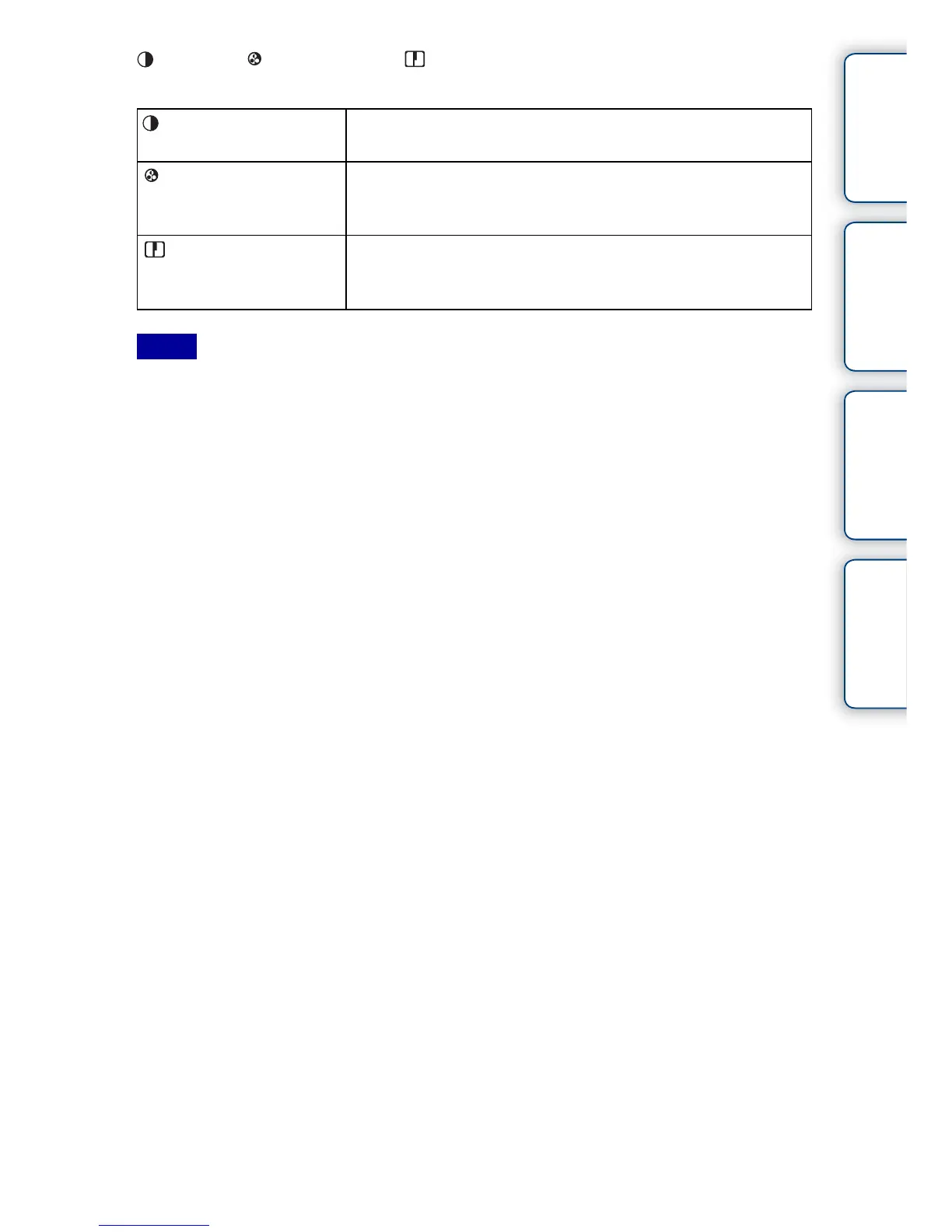
(Contrast), (Saturation), and (Sharpness) can be adjusted for each Creative
Style item.
• When [Black & White] or [Sepia] is selected, you cannot adjust the saturation.
• [Standard] is selected when using the following functions:
– [Intelligent Auto]
– [Scene Selection]
– [Picture Effect] (except [Off])
(Contrast) The higher the value selected, the more the difference of light
and shadow is accentuated, thus making an impact on an image.
(Saturation) The higher the value selected, the more vivid the color. When a
lower value is selected, the color of the image is restrained and
subdued.
(Sharpness) Adjusts the sharpness. The higher the value selected, the more
the contours are accentuated, and the lower the value selected,
the more the contours are softened.
Notes



 To Next Page