187
GB
Table of
contents
Sample photo Menu Index
You can create a standard definition image quality (STD) disc from AVCHD View
movies imported to a computer using supplied software “PMB.”
1 Turn on your computer and place an empty disc on the DVD drive.
• Close all software other than “PMB.”
2 Start “PMB.”
3 Select the movies you want to write.
4 Click (Disc Creation) to select [Create DVD-Video Format Discs
(STD)].
5 Follow the instructions on the screen to create the disc.
• Install “PMB” beforehand.
• MP4 movie files cannot be recorded on a disc.
• It will take a longer time to create a disc because AVCHD View movies are converted to standard
definition image quality (STD) movies.
• An Internet connection environment is required when creating a DVD-Video (STD) disc for the first
time.
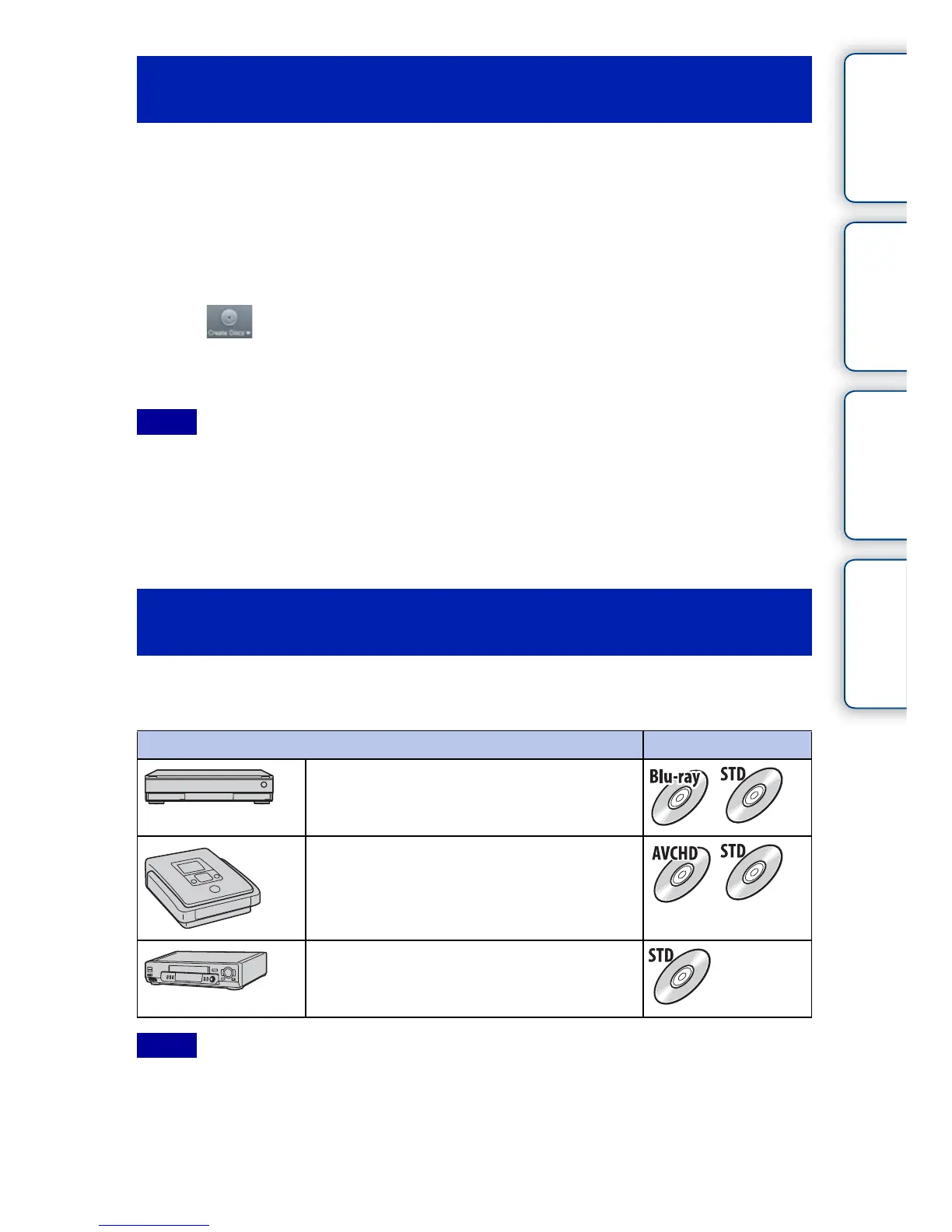
You can create a disc with a Blu-ray Disc recorder and DVD writer.
The disc type you can create depends on the device used.
• For details on creating a disc, refer to the operating manual that comes with the device used.
• You can transmit data via the memory card slot and the USB connection, when using a Sony DVD writer.
• When you use Sony DVDirect (DVD writer), make sure that the version of DVD writer’s firmware is the
latest.
For details, refer to the following URL:
http://sony.storagesupport.com/
Creating a standard definition image quality
(STD) disc on a computer
Notes
Creating a movie disc with a device other than a
computer
Device Disc type
Blu-ray Disc recorder: To create a Blu-ray
Disc or DVD with standard image quality
(STD)
DVD writer other than DVDirect Express: To
create an AVCHD disc or DVD with standard
image quality (STD)
HDD recorder, etc.: To create a DVD with
standard image quality (STD)
Notes



 To Next Page