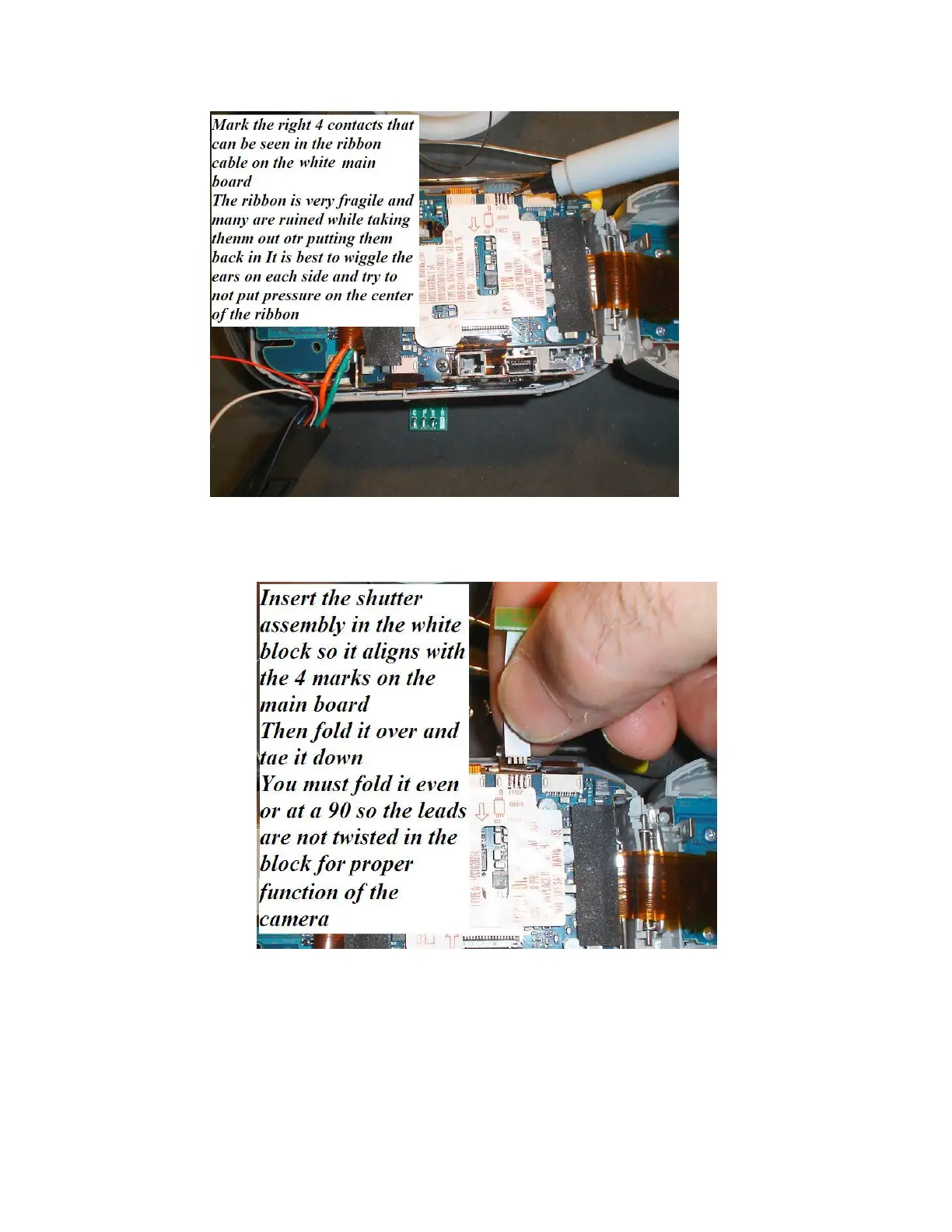
Mark the 4 contacts that you can see in the power ribbon onto the white cable block on the main
board. Align to the 4 contacts on the right side.
Once you insert the shutter assembly in the block line the 4 contacts to the lines on the block and
fold it over onto the main board in a clean straight fold. Twisting or doing this at an angle will
cause the modification to not work when we reassemble the camera











 To Next Page