12
You can attach the
optional battery pack.
See “Using the
rechargeable battery
pack” (page 45).
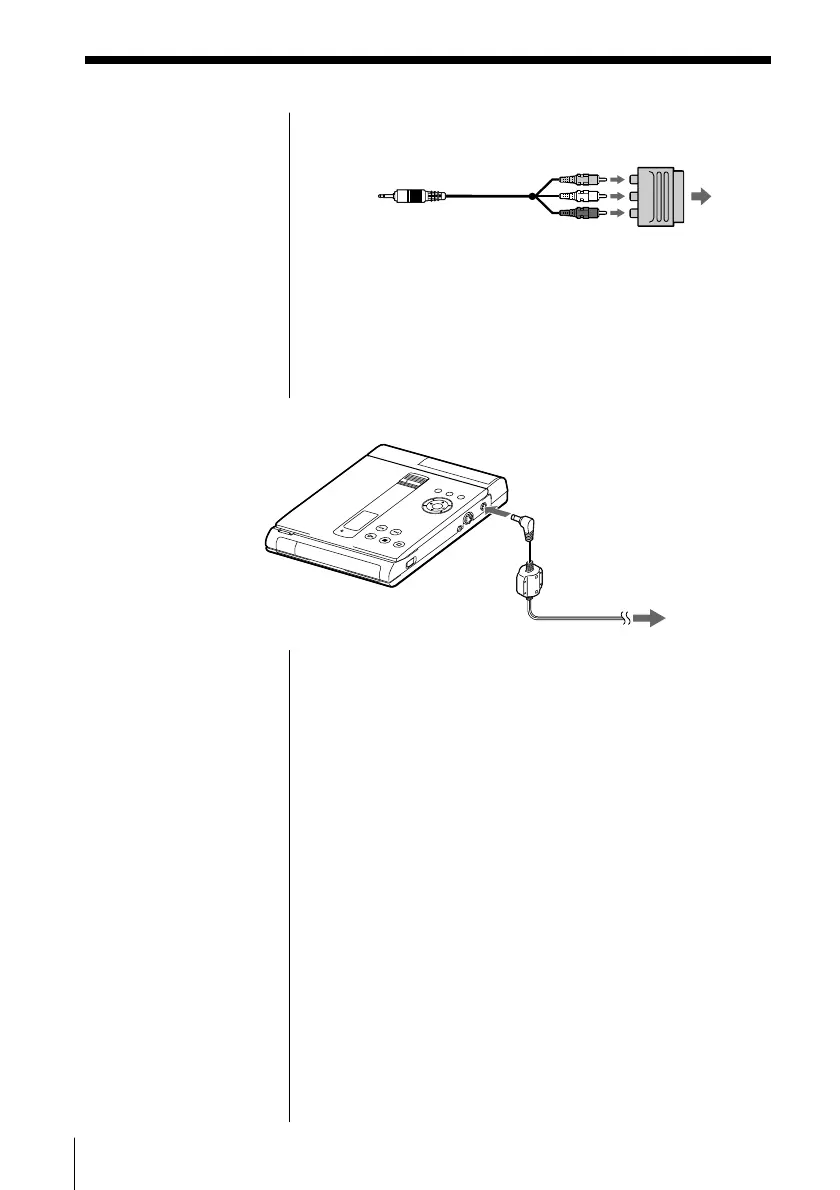
If your TV has a EURO AV (SCART) connector
Use the supplied Scart adapter.
If your TV has an S video input connector
Connect the component via the S VIDEO OUT
connector using the S video cable (not supplied)
instead of the video connecting cord. You will get a
better picture.
2 Connecting the AC power adapter
1 Connect the supplied AC power adapter to this
player and the mains.
2 Press POWER.
The POWER indicator lights up green.
To the mains
To DC IN 10V
AC power adapter
(supplied)DVD player
TV



 To Next Page