8
Z
About this manual
• Complete the set up using “Getting Started” (pages 9 to
13).
• For basic operations, see “Playing a DVD VIDEO” (pages
14 to 21) and “Playing a CD/VIDEO CD” (pages 22 to 29).
• For additional features, see pages 30 to 51.
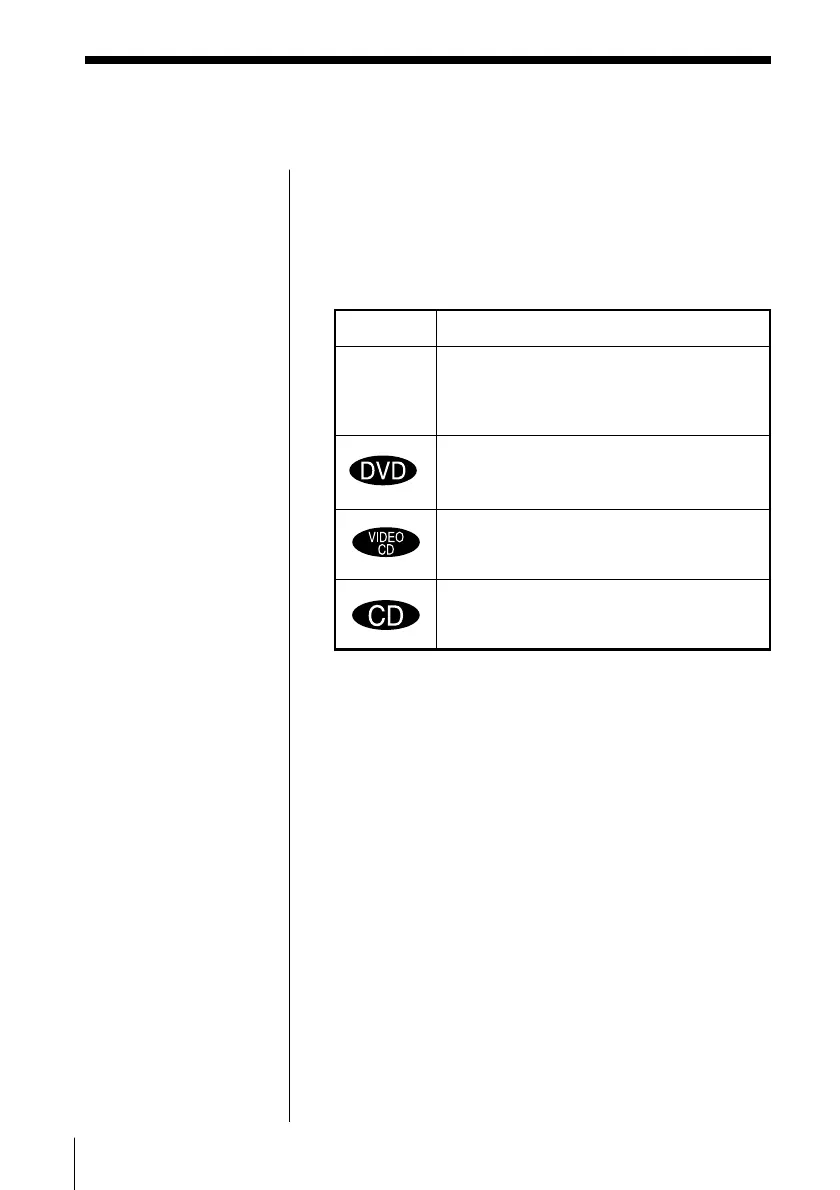
• The icons shown below are used in this manual:
Icon Meaning
Indicates that you can use only the remote
to do the task.
Indicates the functions for DVD VIDEOs.
Indicates the functions for VIDEO CDs.
Indicates the functions for AUDIO CDs.



 To Next Page