50
Note
Refer to the instructions
supplied with the
component to be
connected.
Connecting to a digital component
with a built-in MPEG Audio decoder or
Dolby Digital decoder
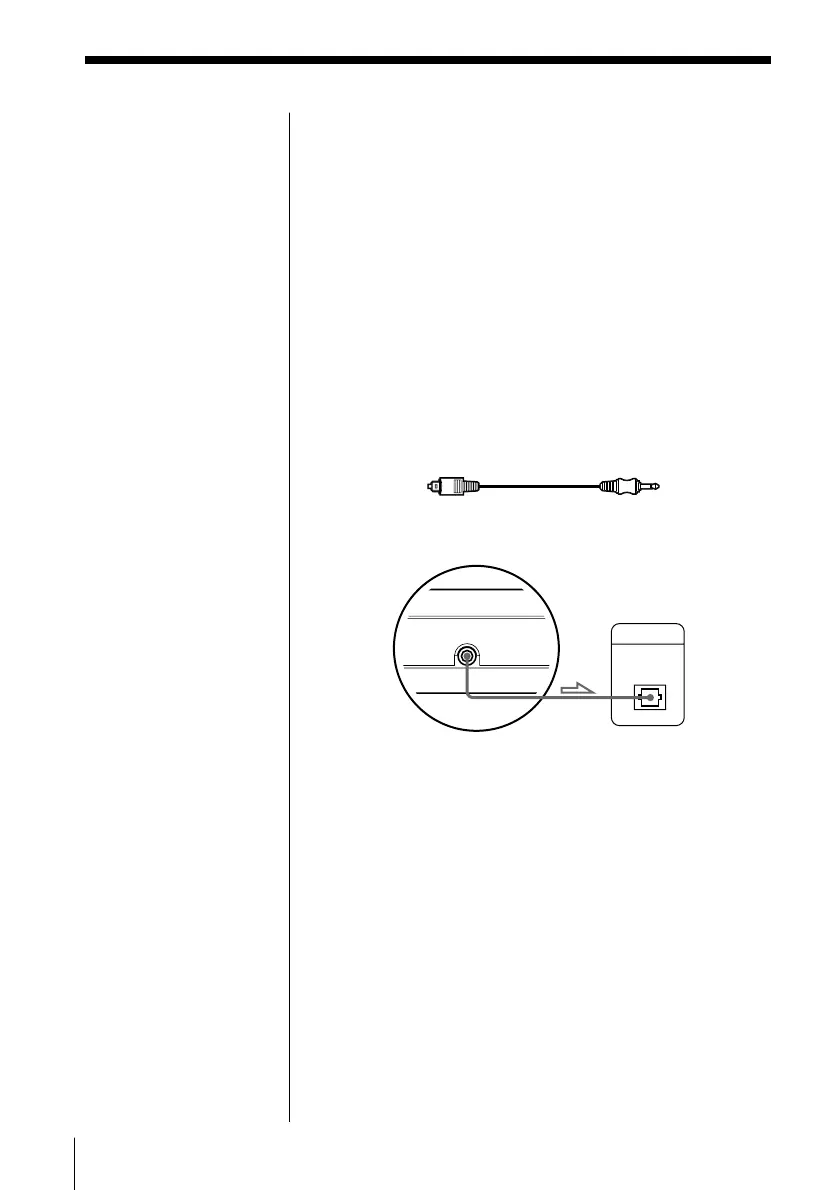
Connect the component via the PCM/MPEG/DOLBY
DIGITAL connector using an optical digital cable (not
supplied). When the component with a built-in MPEG
Audio decoder or Dolby Digital decoder is connected,
the player plays DVD VIDEOs with sound recorded in
MPEG Audio and Dolby Digital (AC-3) format which
produces the effect of being in a movie theatre or a
concert hall.
When you play a DVD VIDEO, set “DIGITAL OUT”
in “INITIAL SETUP” to “MPEG,” “DOLBY
DIGITAL,” or “MPEG/DOLBY DIGITAL” (page 55).
Insert the plug firmly.
DVD player
Component with a built-
in Dolby Digital decoder
(not supplied)
Optical digital cable
DIGITAL IN
OPTICAL
DIGITAL OUT (OPTICAL)
PCM/MPEG/
DOLBY DIGITAL



 To Next Page