57
ENTER09
SETUP
CLEAR
APRENTALCONTROL
LEVEL2 I S SET .
TO LOCK , ENTRY PASSWORD .
PASSWORD:
----
EST~ CANCEL
RPEV QUIT
ENTER
SETUP
APRENTALCONTROL
PASSWORD I S SET .
NEED TO ENTER PASSWORD
TO CHANGE / RESET .
PASSWORD: 1234
EST
RPEV QUIT
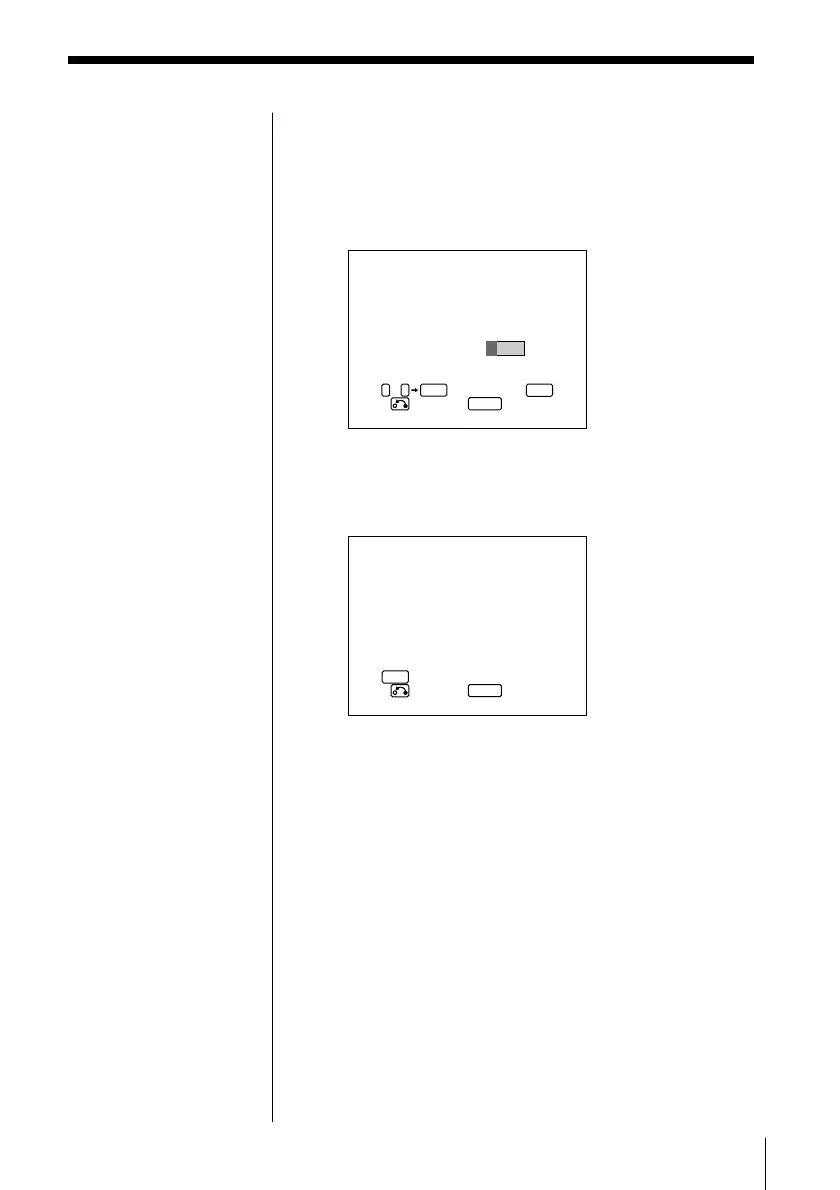
3 Select the level using ?/>/.//, then press
ENTER.
As the number of the level gets smaller, the
restriction gets more severe.
The display for entering a password appears.
4 Enter a four-digit number using number buttons,
then press ENTER.
The display for confirming a password appears.
5 Press ENTER.
The Parental Control level is locked, and the
INITIAL SETUP menu appears.
To go back to the previous menu to change
the setting
Press ˆ RETURN.
To return to the normal screen
Press SETUP.



 To Next Page