15
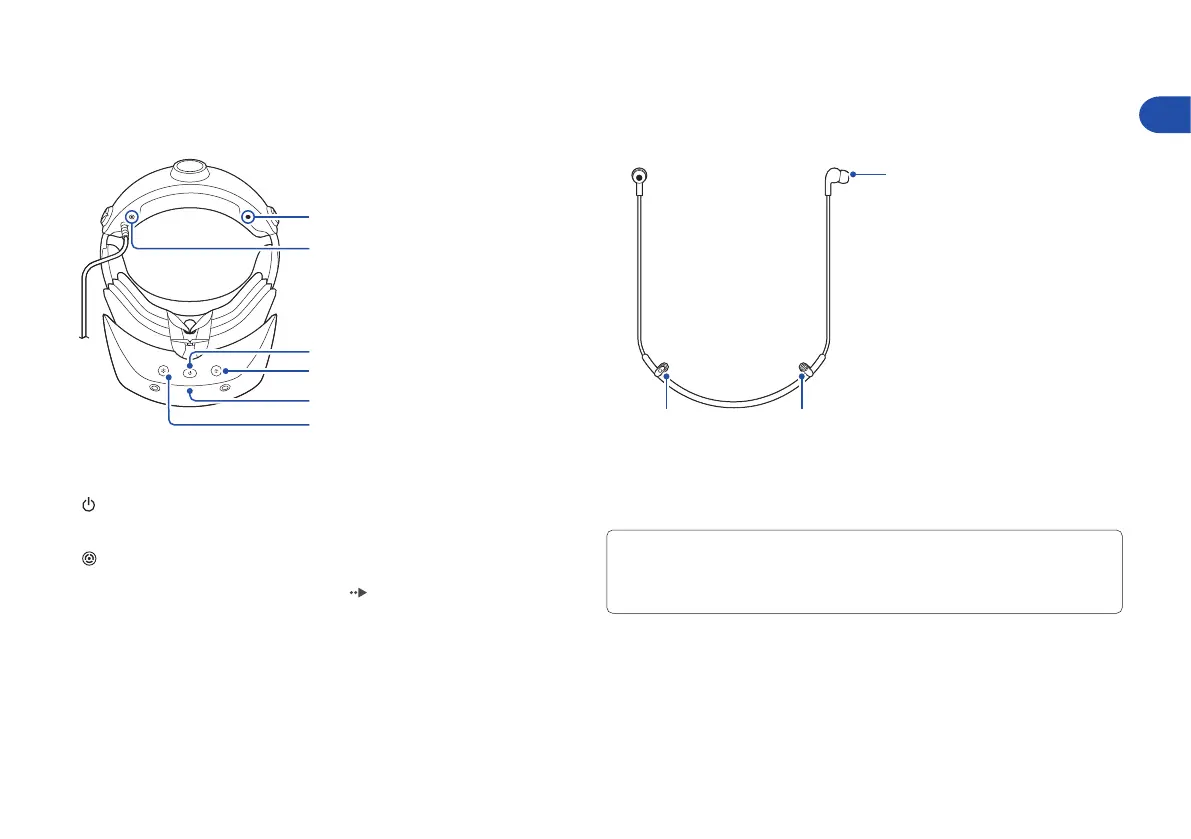
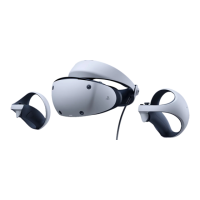
Part names
A
B
C
D
E
F
Bottom
A ) Headphone attachment hole
B ) Stereo headphone jack
C ) (power) button
Press: Turn on the VR headset
Press and hold: Turn o the VR headset
D ) (function) button
Press the button to switch to see-through view. You can mute the
microphone by reassigning the button (
page 13).
E ) Power indicator
Solid white: VR headset is on
Solid red: VR headset is o
F ) Microphone
Stereo headphones
A ) Earpiece
B ) Fastener
C ) Stereo headphone plug
You can enjoy 3D audio with the included headphones as well as your own
stereo headphones (analogue or USB). When you use headphones or
headsets with a headphone jack, connect them to your VR headset. When you
use USB headphones or headsets, connect them to your PS5 console.
C B
A
EN


 To Next Page